4.2.2 Set PDO mapping
The settings are as follows:
1. Disable the PDO configuration: set OD 1C12 sub 0 to 0 (RxPDO) and OD 1C13 sub 0 to 0
(TxPDO).
2. Disable the PDO mapping setting: set OD 1600 sub 0 to 0 (RxPDO) and OD 1A01 sub 0 to
0 (TxPDO).
3. Set the contents and number of RxPDO mappings: set OD 1600 to 1603 sub 1 to sub 8 (RxPDO)
for the content and set OD 1600 to 1603 sub 0 (RxPDO) for the number of RxPDO mappings.
Take the OD 1601 as an example.
4. Set the contents and number of TxPDO mappings: set OD 1A00 to1A03 sub 1 to sub 8 (TxPDO)
for the content and set OD 1A00 to 1A03 sub 0 (TxPDO) for the number of TxPDO mappings. Take the
OD 1A00 below as an example
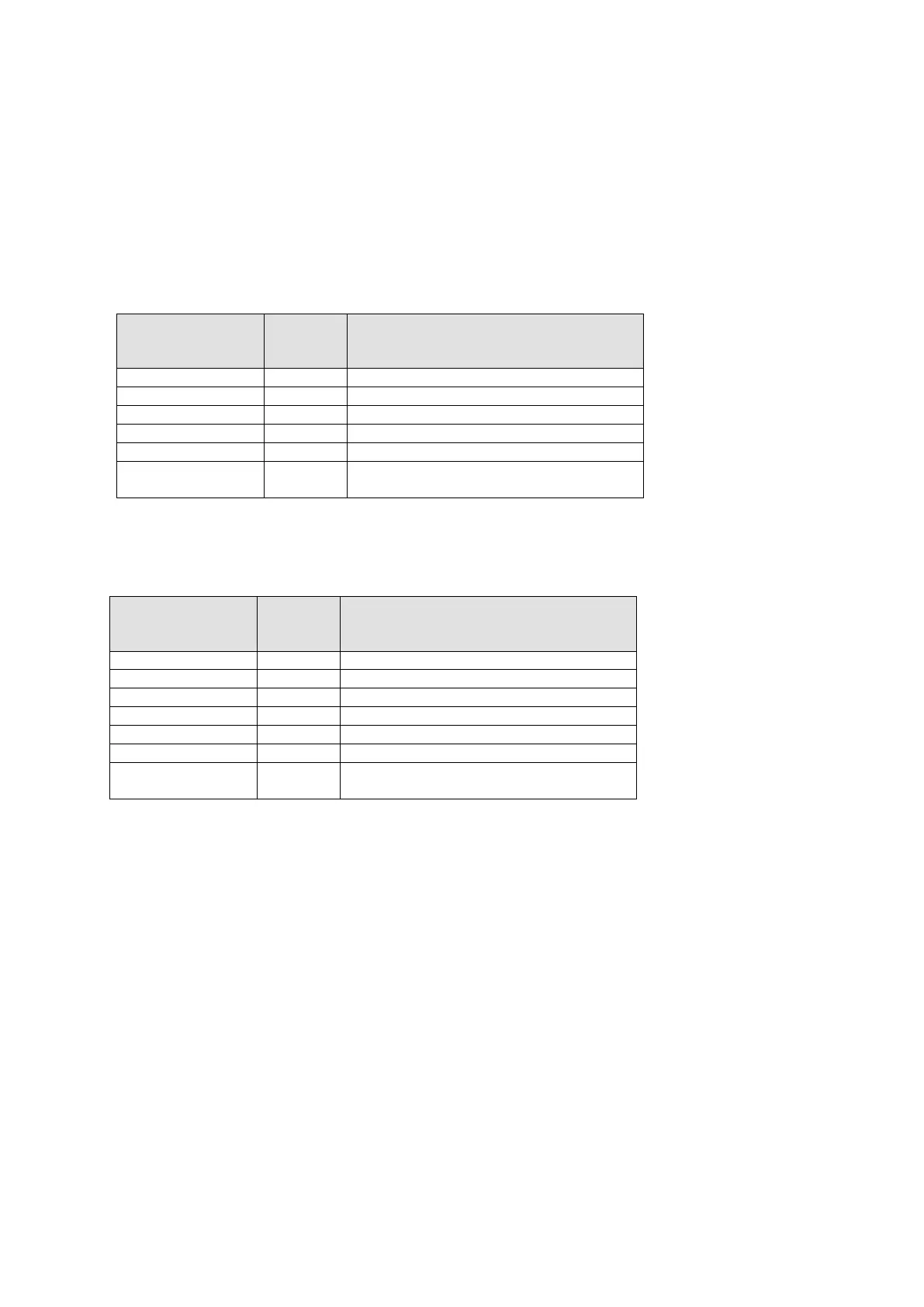
parameter setting
Data Description
Modes of operation display, 8-bit
Position actual value, 32-bit
Velocity actual value, 32-bit
OD 1A00 sub0 6
Set 6 for the number of RxPDO
mappings.
5. Set the PDO mapping configuration: set OD 1C12 sub 1 to 0x1601 (RxPDO) and OD 1C13
sub 1 to 0x1A01 (TxPDO).
6. Enable the PDO configuration: set OD 1C12 sub 0 to 1 (RxPDO) and OD 1C13 sub 0 to 1 (TxPDO).
parameter setting
Data Description
Modes of operation, 8-bit
OD 1601 sub0 5
Set 5 fort the number of RxPDO
mappings
Send Quote Requests to info@automatedpt.com
Call +1(800)985-6929 To Order or Order Online At Deltaacdrives.com
Send Quote Requests to info@automatedpt.com
Call +1(800)985-6929 To Order or Order Online At Deltaacdrives.com



 To Next Page