7.2 Delta PLC – AH10EMC Operation Example (ECAT Builder)
Equipment
AH10EMC IP: 192.168.1.1
Computer Network card IP: 192.168.1.123
Motor drive: MS300 / MH300
Communication card: CMM-EC02
Software
COMMGR V1.11 and above
ISPSoft V3.10 and above
ECAT Builder V1.07 and above
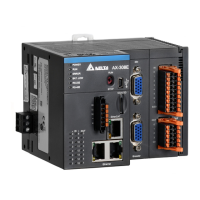
1. Connect CMM-EC02 to AH10EMC EtherCAT port. Then connect AH10EMC to the computer via
Ethernet port.
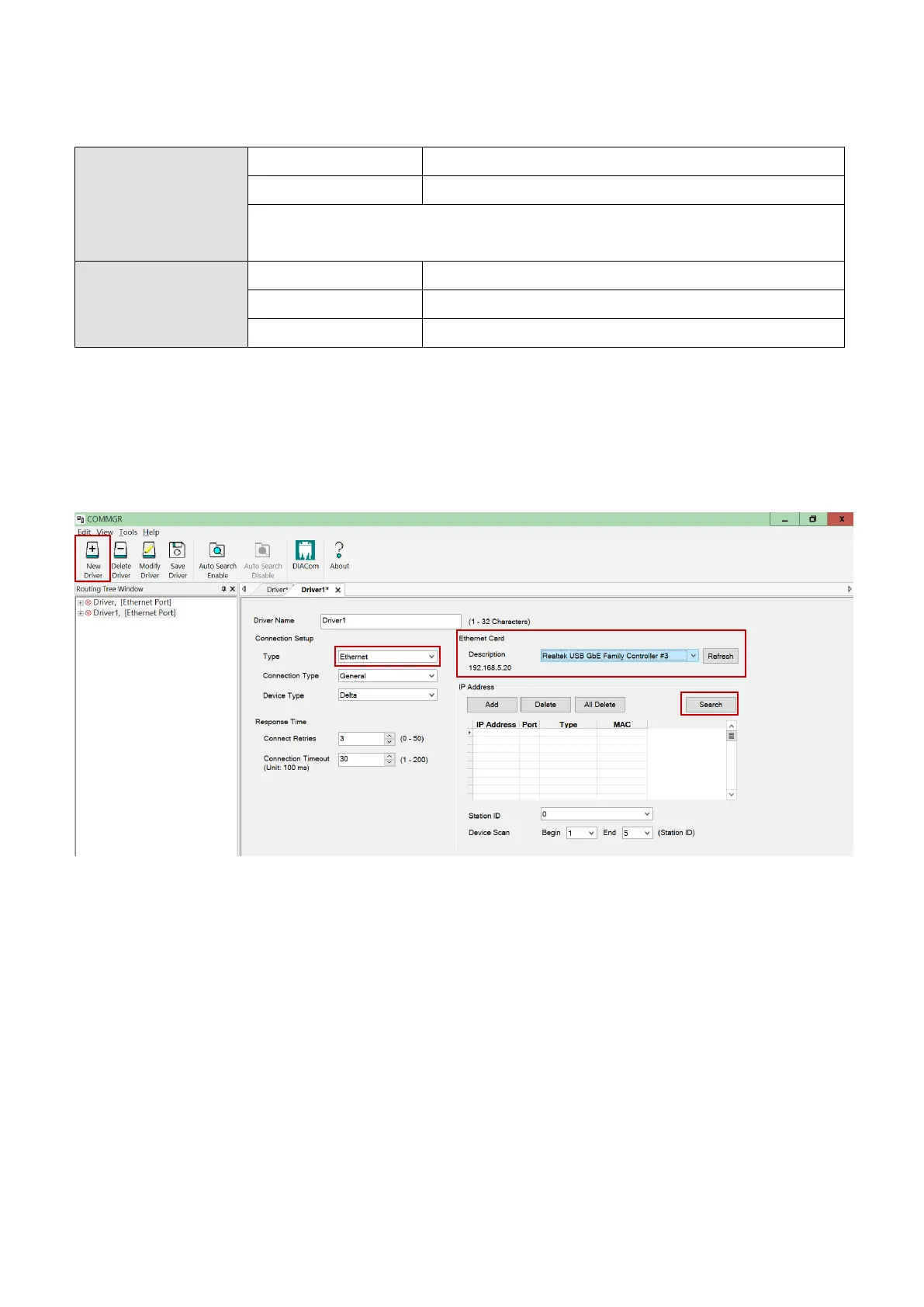
2. Run COMMGR software, click on the New Driver button. Then on the Ethernet tab, select Ethernet
in the Connection Setup Type drop-down list. Select the right Ethernet card in the Ethernet Card
description drop down list. Then click the Search button, verify if AH10EMC is in the table. Now
click on the Save Driver button to start ISPSoft connection.
Send Quote Requests to info@automatedpt.com
Call +1(800)985-6929 To Order or Order Online At Deltaacdrives.com
Send Quote Requests to info@automatedpt.com
Call +1(800)985-6929 To Order or Order Online At Deltaacdrives.com



 To Next Page