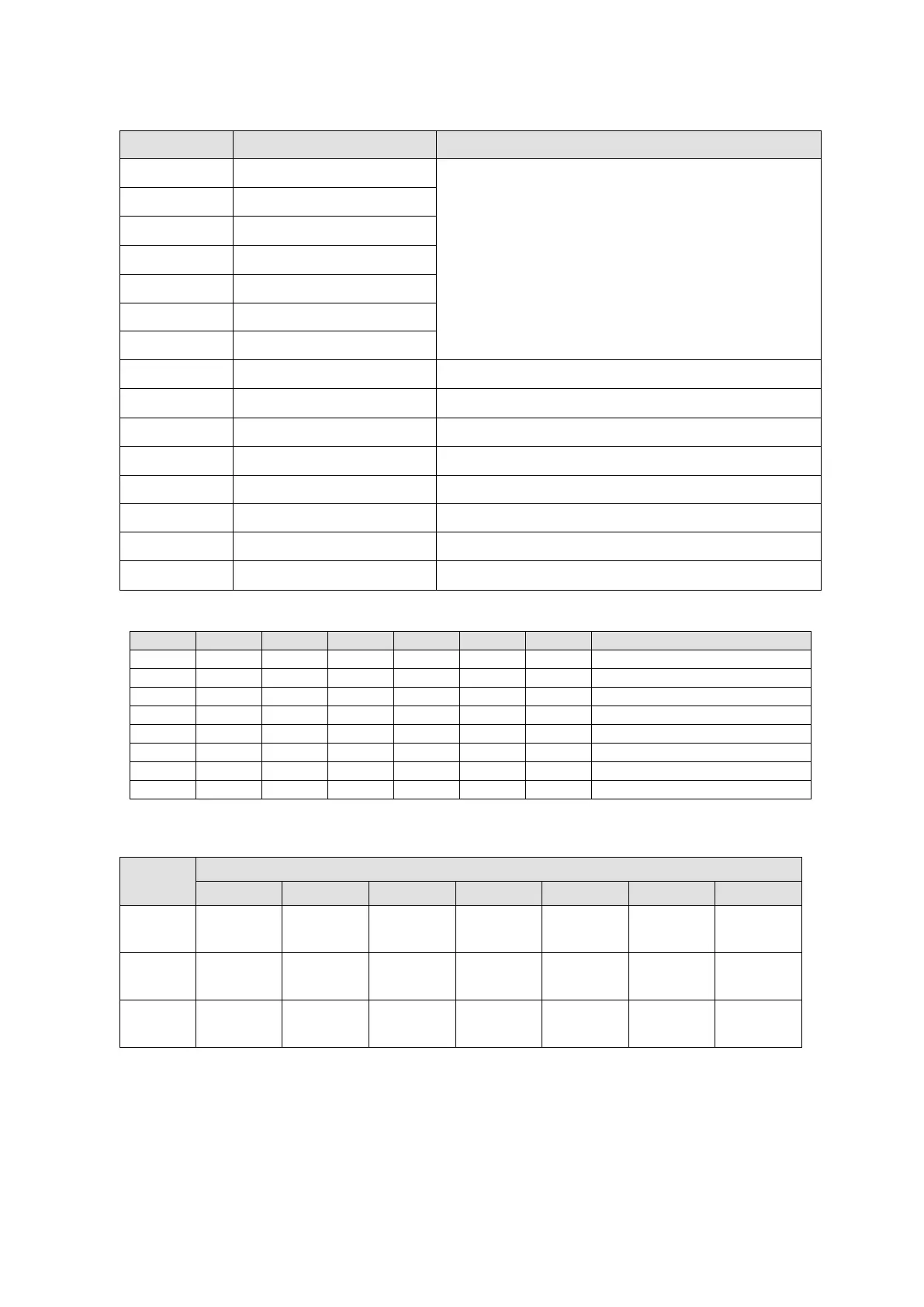
Description of different bits
Bit Function Description
Bit 0 Ready to switch on
Bit 0 to Bit6 display current status of the motor drive.
See table below for details.
Bit 1 Switched on
Bit 2 Operation enabled
Bit 3 Fault
Bit 4 Voltage enabled
Bit 5 Quick stop
Bit 6 Switch on disabled
Bit 7 Warning Warning status: motor drive still has servo on.
Bit 8 Reserved -
Bit 9 Remote -
Bit 10 Target reached Target reached
Bit 11 Reserved -
Bit 12~Bit 13 Operation mode specific See Specific Model Definition table below.
Bit 14 Reserved -
Bit 15 Reserved -
NOTE: 0 = bit is off; 1 = bit is on; - means that bit is not functional.
Specific Model Definition table:
Bit
Specific Model Definition
Bit 10 -
Target
Target
Target
Target
- -
Bit 12 - -
Homing
- - - -
Bit 13 -
Following
Homing
Following
-
Following
-
Send Quote Requests to info@automatedpt.com
Call +1(800)985-6929 To Order or Order Online At Deltaacdrives.com
Send Quote Requests to info@automatedpt.com
Call +1(800)985-6929 To Order or Order Online At Deltaacdrives.com



 To Next Page