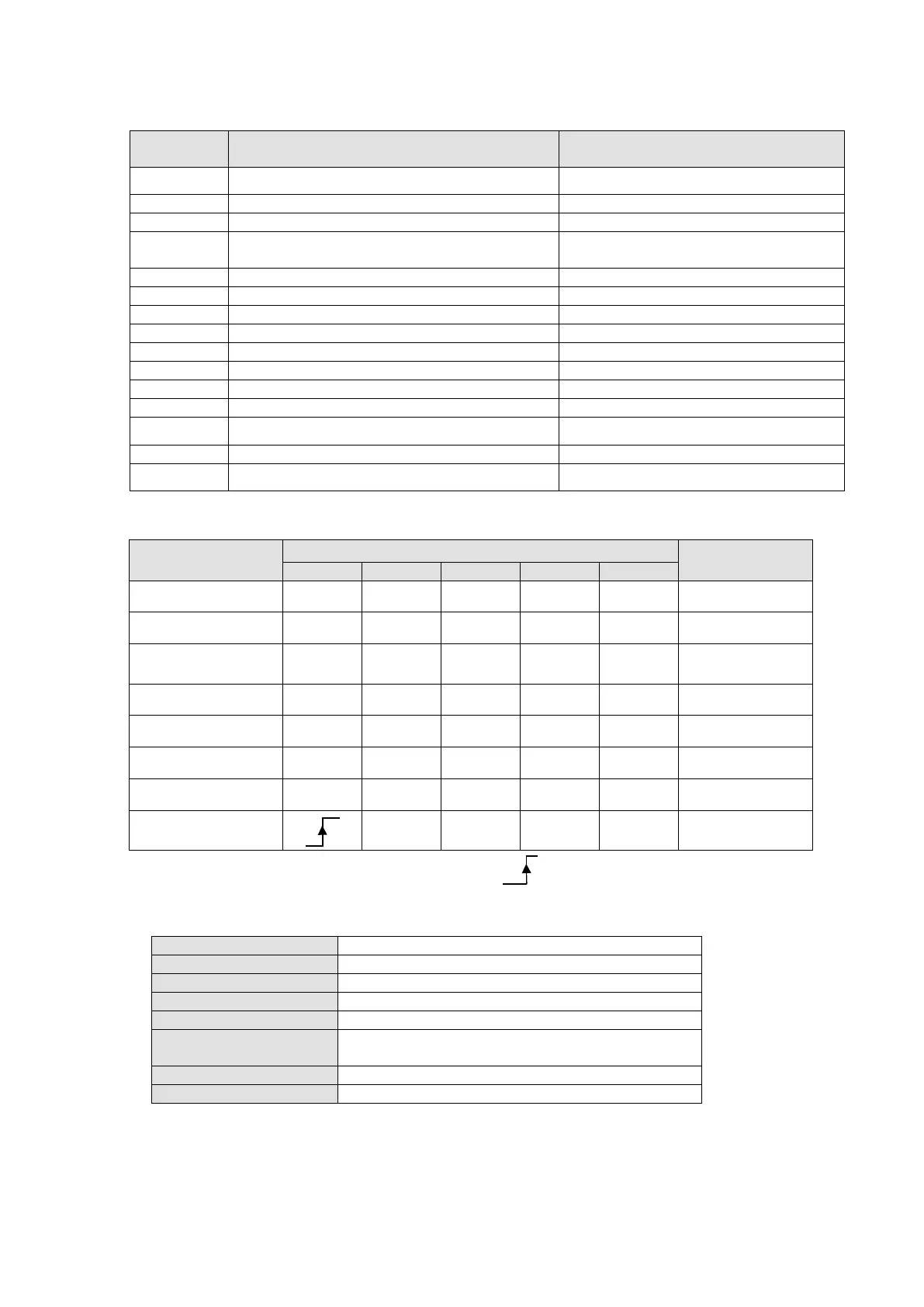
Status Switching Definition table
Event Action
0、1
Auto run after powering on Activate the device and initialize.
Motor drive prepares for servo on
4 Enable operation command
Motor drive has servo on and is in
operation.
Disable operation command
Disable voltage or Quick stop command
Motor drive has servo off.
Motor drive has servo off.
Disable voltage or Quick stop command
Enable Quick Stop function.
Motor drive has servo off
13、14
Warning / Fault codes pop up Motor drive has servo off.
Warning / Fault codes clear
16
Enable operation;no alarm command
Restart operation command.
Via Controlword (6040h), status can be changed, the commands are as follows:
Command
Bit of Controlword (6040h)
Status Change
Shutdown 0 X 1 1 0
2、6、8
Switch on 0 0 1 1 1 3
Switch on +
Enable operation
0 1 1 1 1 3 + 4
Disable voltage 0 X X 0 X
7、9、10、12
Quick stop 0 X 0 1 X
7、10、11
Disable operation 0 0 1 1 1 5
Enable operation 0 1 1 1 1
4、16
Fault reset
X X X X 15
NOTE: 0 = Bit is off; 1 = Bit is on; X = Bit is not affected; = positive edge triggering
Object 6041h:Statusword
Yes
Send Quote Requests to info@automatedpt.com
Call +1(800)985-6929 To Order or Order Online At Deltaacdrives.com
Send Quote Requests to info@automatedpt.com
Call +1(800)985-6929 To Order or Order Online At Deltaacdrives.com



 To Next Page