103
6.2.2 Battery Mode Start-up Procedures
WARNING:
Before turning on the UPS, please read
6.1 Pre Start-up & Pre Turn-off Warnings
thoroughly and ensure that the precautions and instructions have been followed.
Step 1
Ensure that the Manual Bypass Switch (Q3) is in the
OFF
position.
Step 2
Switch
ON
every external battery cabinet’s breaker (Q5).
Step 3
Switch
ON
the Output Switch (Q4).
Step 4
Press any of the
BATT. START
buttons on the communication interfaces I for one second.
Step 5
Tap the
ON/ OFF Button
( ) on the LCD screen.
Step 6
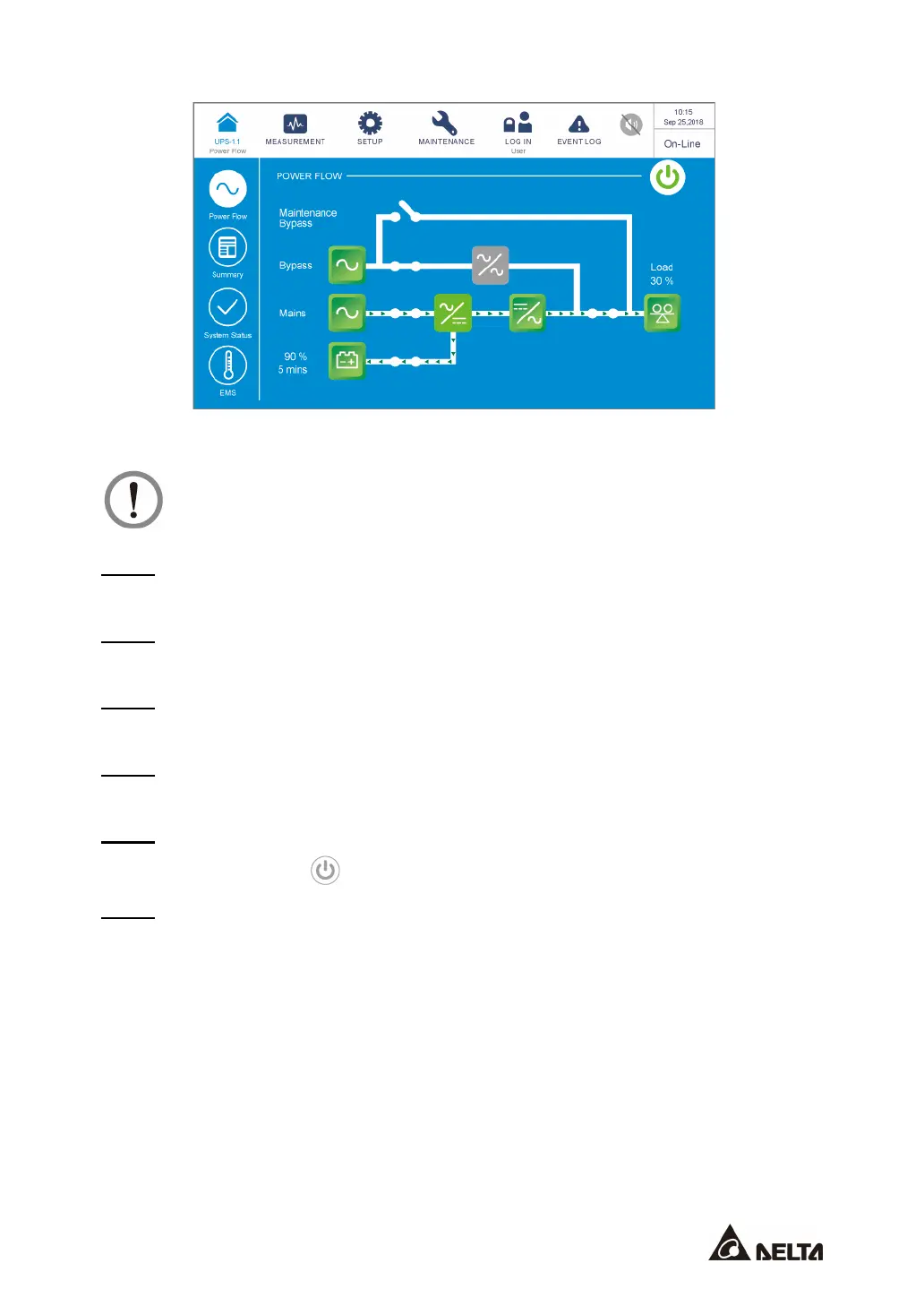
After the inverter turns on, the UPS will run in Battery mode, the LCD screen will show as
below, and the tri-color LED indicator will illuminate yellow.











 To Next Page