125
7.4 Password Entry
1.
Administrator
login requires a password while
User
login does not.
2. Tap
→
enter the
Administrator
password (contact service personnel for the default
password)
→
the icon appears, indicating the
Administrator
login is successful.
3. To change the
Administrator
password, please go to
→ General Setting → User
→ Administrator Password
(4 digits).
7.5 Check Kilowatt-Hour
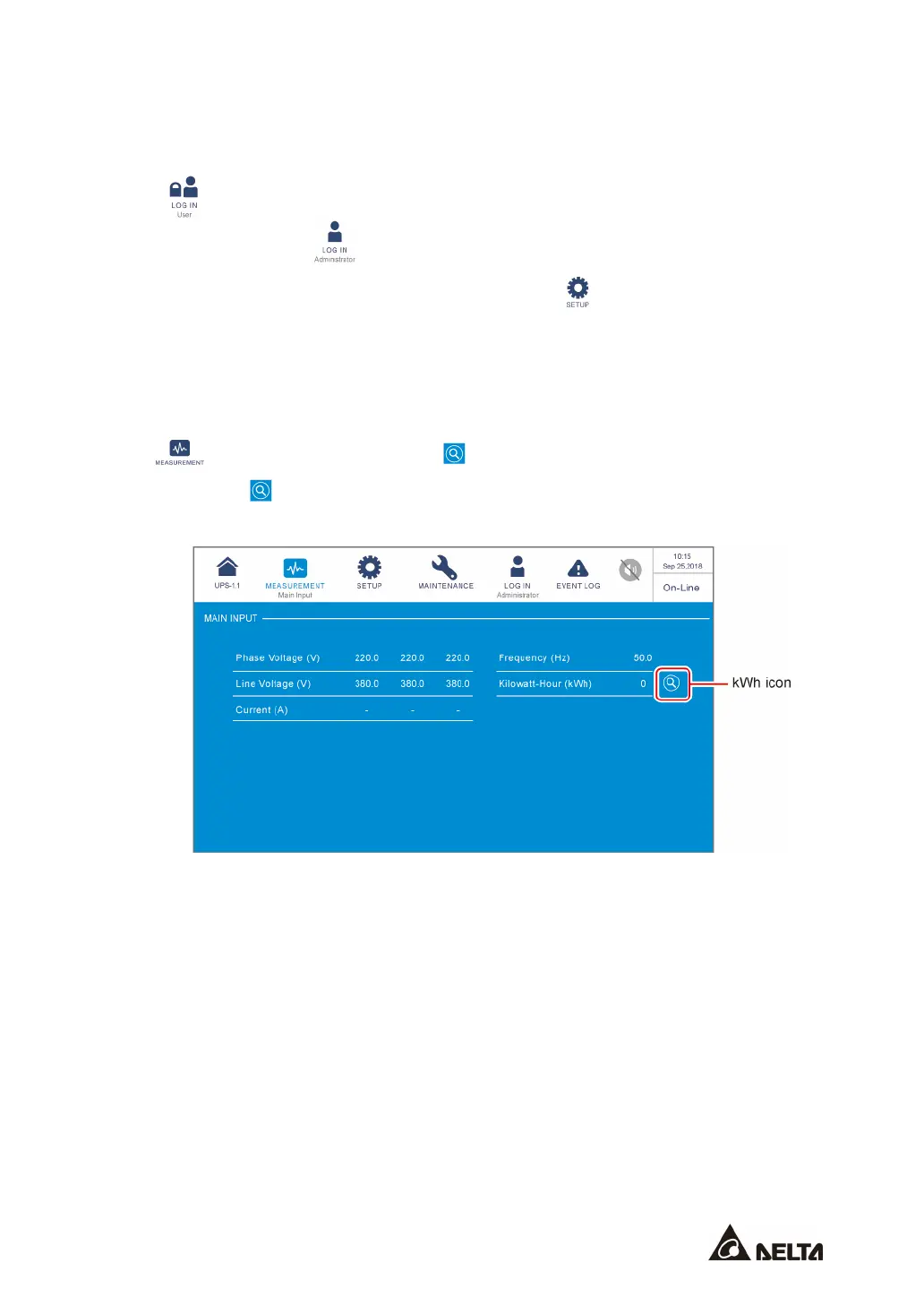
Path: → Main Input → kWh icon ( )
Tap the kWh icon ( ), and you can check the
kWh statistics
of the UPS main input in the
following window.











 To Next Page