22
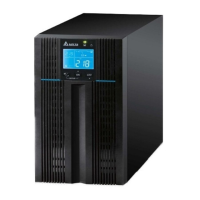
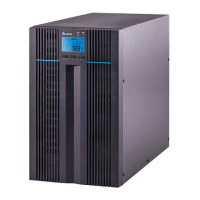
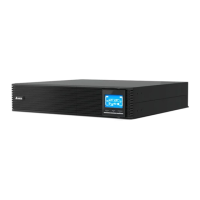
Amplon N Series
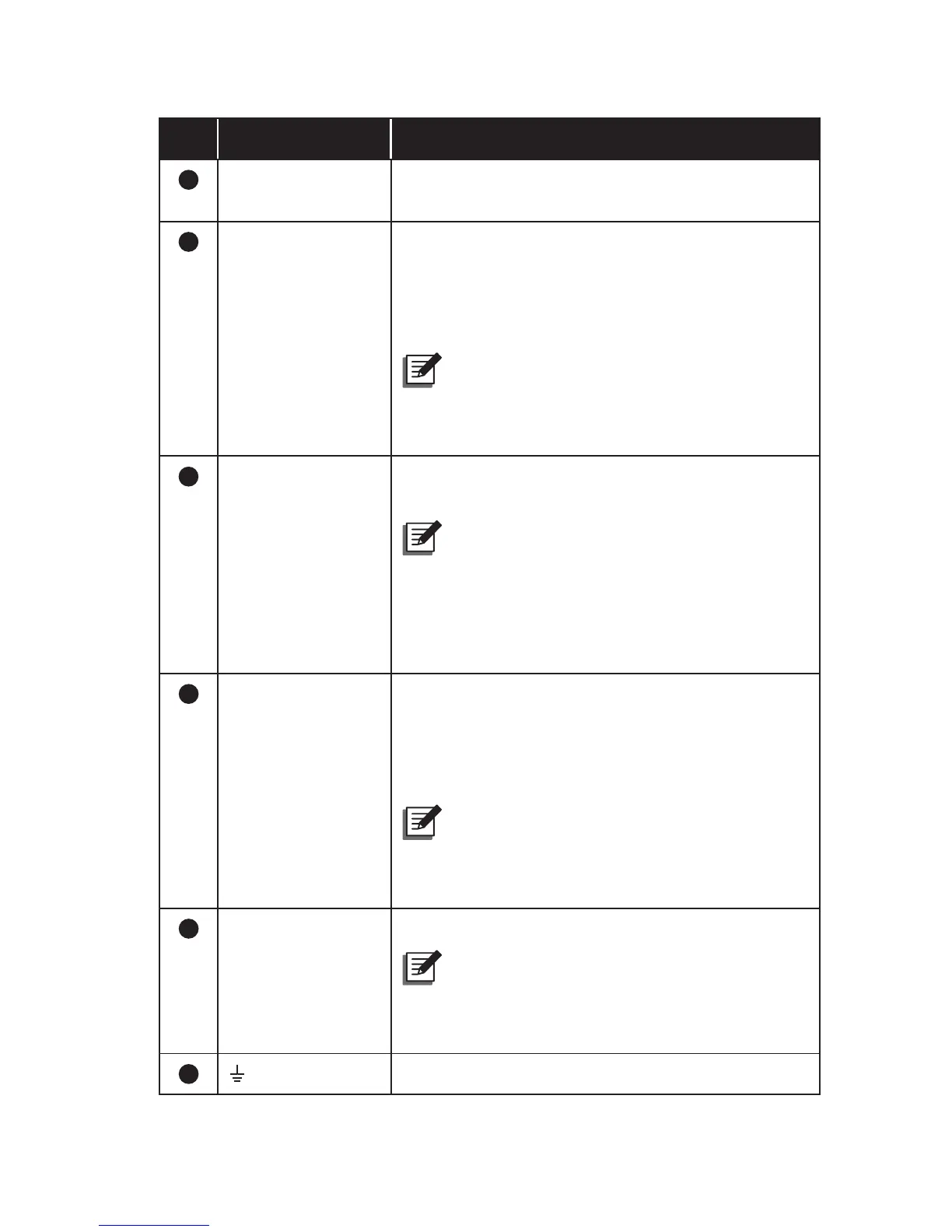
No. Item Functions
8
Input Breaker It is the input power’s protective device and is for
safety protection.
9
RS-232 Port Connects to your computer. You can monitor the
UPS’s status via your computer by installing the
UPSentry 2012 software (please download from
http://www.deltapowersolutions.com/en/mcis/
software-center.php).
NOTE :
Do not use the USB port and
the RS-232 port at the same time. If you
connect the USB cable to the USB port, the
RS-232 port will disable right away.
10
REPO Port Remotely shuts down the UPS when an
emergency occurs.
NOTE :
Please connect a user-supplied
normally-open switch to the REPO port.
When the user-supplied switch is closed,
the UPS will immediately shut down the
inverter and output (the UPS won’t transfer
into bypass mode).
11
USB Port Connects to your computer. You can monitor the
UPS’s status via your computer by installing the
UPSentry 2012 software (please download from
http://www.deltapowersolutions.com/en/mcis/
software-center.php).
NOTE :
Do not use the USB port and
the RS-232 port at the same time. If you
connect the USB cable to the USB port, the
RS-232 port will disable right away.
12
UPS Output
Terminals (L & N)
Connect to your loads.
NOTE :
To avoid output from over current
protection, please follow the load capacity
(from the largest to the smallest) to connect
the loads to the UPS.
13
For connected loads’ grounding.




 To Next Page