Maintenance, Cleaning and Troubleshooting F800
36 PR-2013-0105-GB • Subject to modifications • R2-04/2016
6.3 Troubleshooting
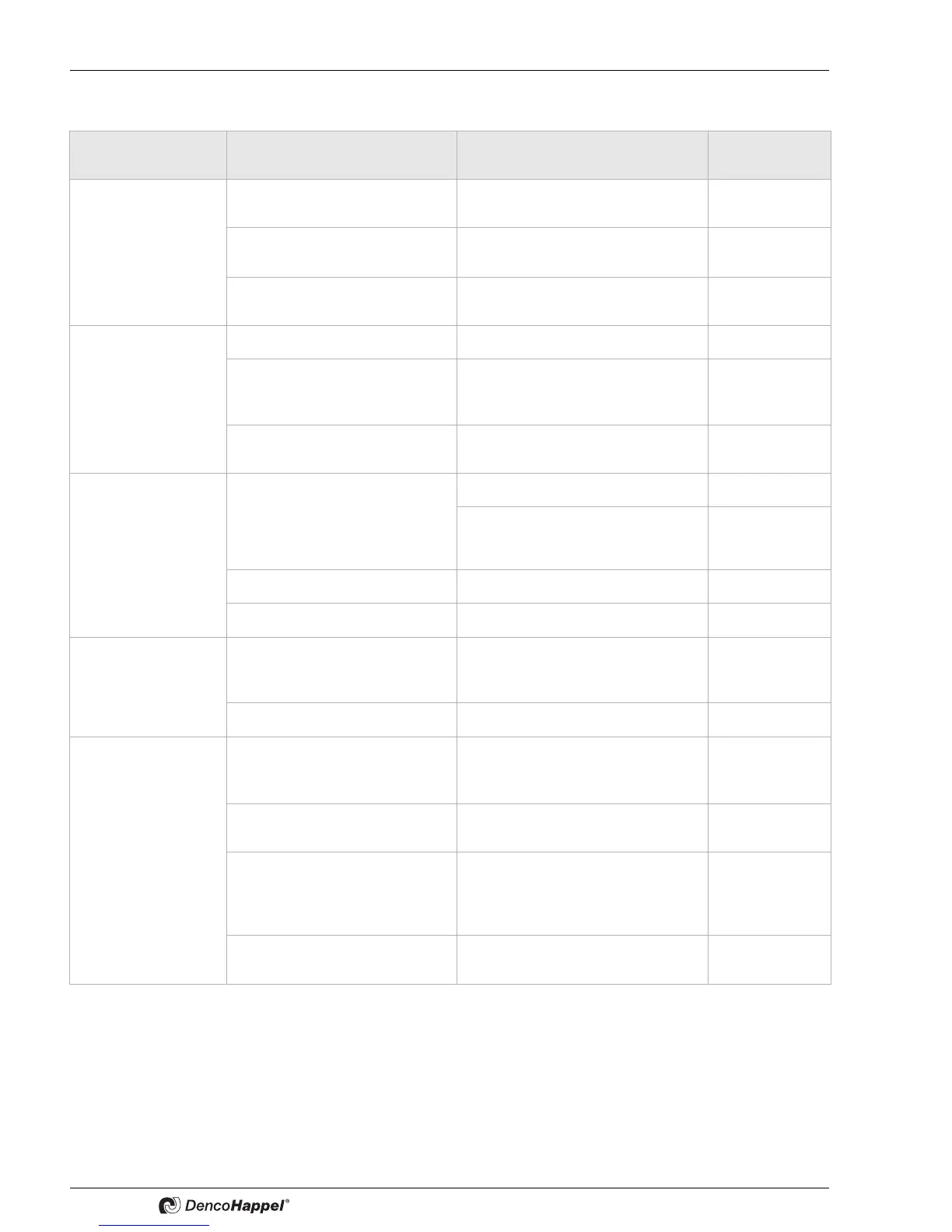
Occurring errors Possible reason Solution Authority
Unit cannot be
switched on
No electricity
• Ensure availability of elec. current Users
Cable incorrectly lain
• Check wiring and lay the cables
correctly
Only authorized
specialists
not connected • Connect interrupted cable Only authorized
specialists
Unit switches off Main fuse defective
• Replace fuse Users
FI circuit breaker has triggered
• Have the cause of the triggering
determined by an electrician or
factory customer service
Users
Control fuse on the circuit board de-
fective
• Replace appropriate fuse Only authorized
specialists
Malfunction indication
on the humidity switch
lights up red
Room air states outside of the oper-
ating limits:
Temperature < 22 °C or > 36 °C
humidity < 40 % rel.hum. or > 60 %
rel.hum.
• Ensure correct operating conditions Users
• Reset at the humidity switch;
• Possibly press low-pressure switch
Only authorized
specialists
Filter is dirty • Cleaning or replacing filters Users
Insufficient refrigerant • Inform customer service Users
Condensate does not
drain
Trap not correctly dimensioned
• Install trap with the required
dimensions and provide appropriate
slope
Users
Trap or pan are clogged • Clean trap and pan Users
Motor circuit breaker
Pool water pump is trig-
gered
Pump clogged
• Reset circuit breaker,
• if it triggers multiple times => inform
customer service
Users
Insufficient motor cooling
• Ensure sufficient air supply Only authorized
specialists
Pump is running dry
• Check whether all shut-off valves
are opened.
• Inspect water supply and drain
pipes for blockage
Users
Connecting lines dimensioned too
large
• Reduce pipe cross-section to 1/2" Only authorized
specialists


 To Next Page