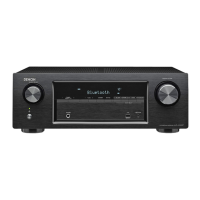
Q1
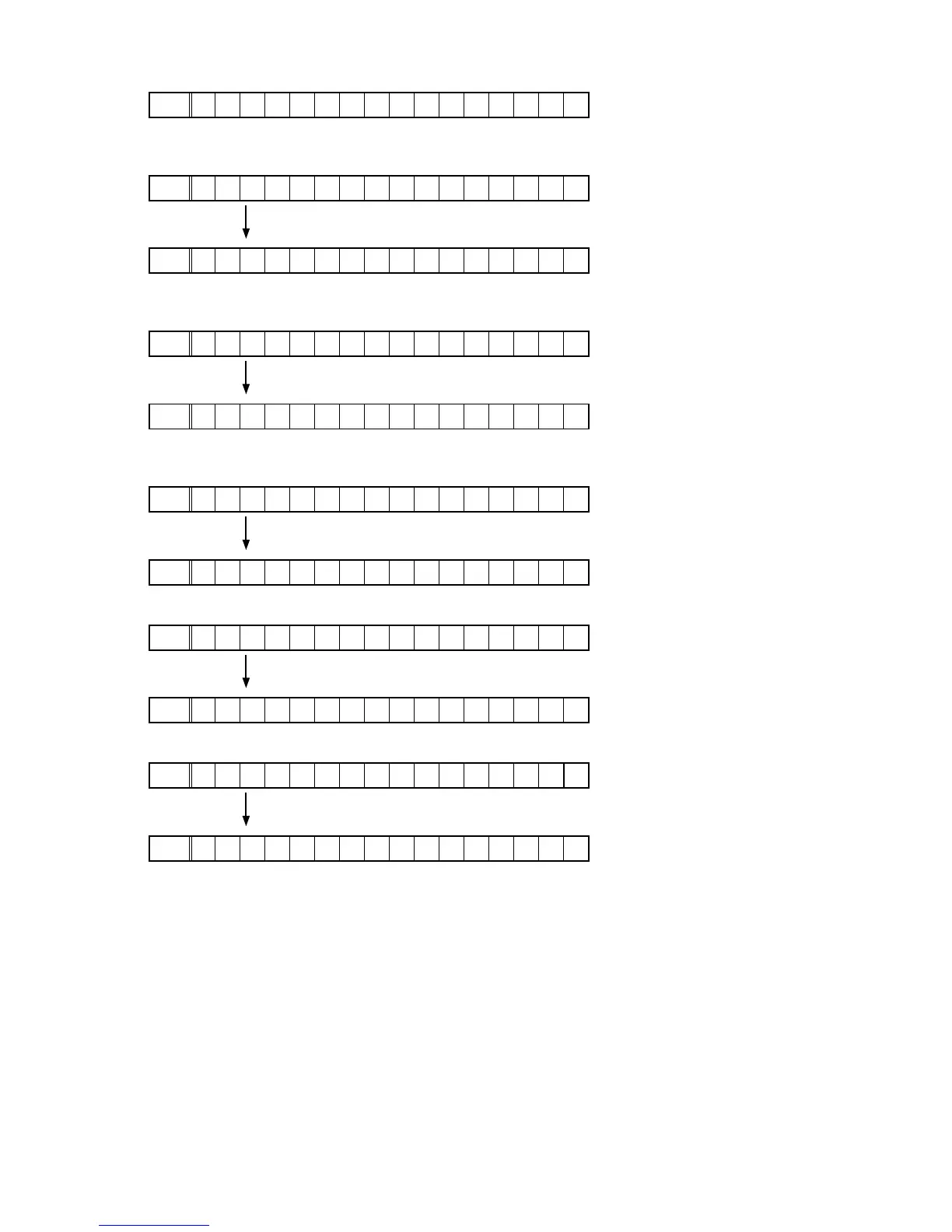
GUI SFLASH :
FLD
G U I : 6 8 1 Z * * * *
Z
:
Region code(E3=1, E2=2, E1C=5),
*
:
version
Q2
Ethernet 1st Boot Loader, Hardware ID :
FLD
E t h e r n e t F B L
Press the "
STATUS
" button.
FLD
* * * * * - A A
AA
:Hardware ID
Q3
Ethernet 2nd Boot Loader, Rhapsody Flag :
FLD
E t h e r n e t S B L
Press the "
STATUS
" button.
FLD
B * * * * * * * * * * * * - B B
BB
:Rhapsody Flag
Q4
Ethernet IMAGE :
FLD
E t h e r n e t I M G
Press the "
STATUS
" button.
FLD
* * * * * * * * * * * *
Q5
Ethernet MAC ADDRESS information :
FLD
* N E T M A C A d d r e s s
Press the "
STATUS
" button.
FLD
* * * * * * * - * * * * * *
Q6
BT MAC ADDRESS information :
FLD
* B T M A C A d d r e s s
Press the "
STATUS
" button.
FLD
* * * * * * - * * * * * *
21

 To Next Page
 Loading...