27
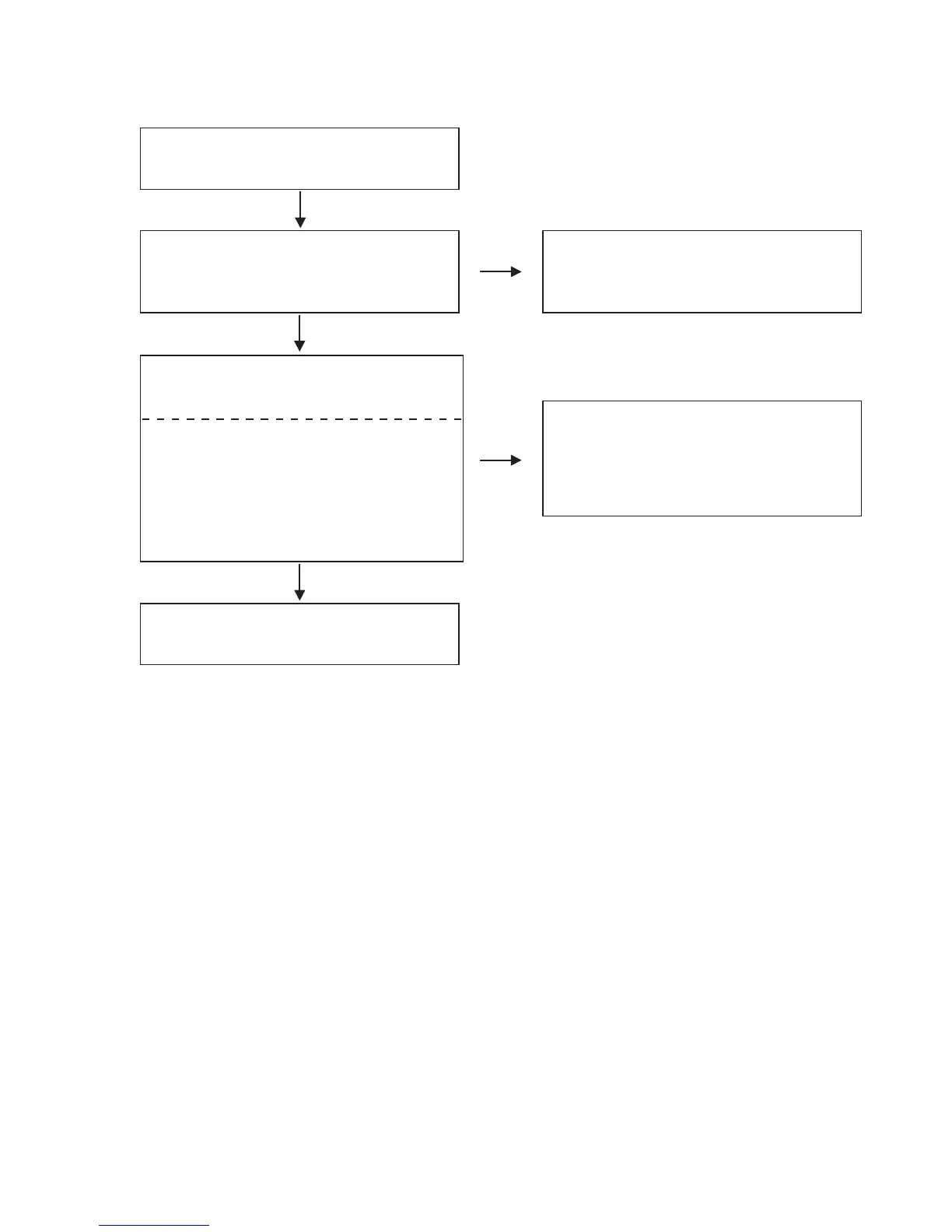
O.K.
Slide switches are not operating.
Are the contact point and the installation state of
the Slide switches (SW178,SW1002
~
SW1005,
SW402
~
SW405) normal?
Re-install the switches correctly or replace the poor
switch.
N.G.
FLOW CHARTNo.10 (405-MC6000-2782 : CONTROL UNIT,405-MC6000-2784 : FRONT UNIT,
405-MC6000-2783 : I/O UNIT)
O.K.
N.G.
Check periphery circuit of IC119,IC1001,
CN100A
~
CN100, and replace it if defective.
When switching them, does the voltage of each pin
of IC100(shown below) increase?
Slide switches
SW178 : IC100 43pin
SW1002
~
SW1005 : IC100 53pin
SW402 : IC100 32pin
SW403 : IC100 31pin
SW404 : IC100
30pin
SW405 : IC100 29pin
Replace IC100.



 To Next Page