23
Flip Mode
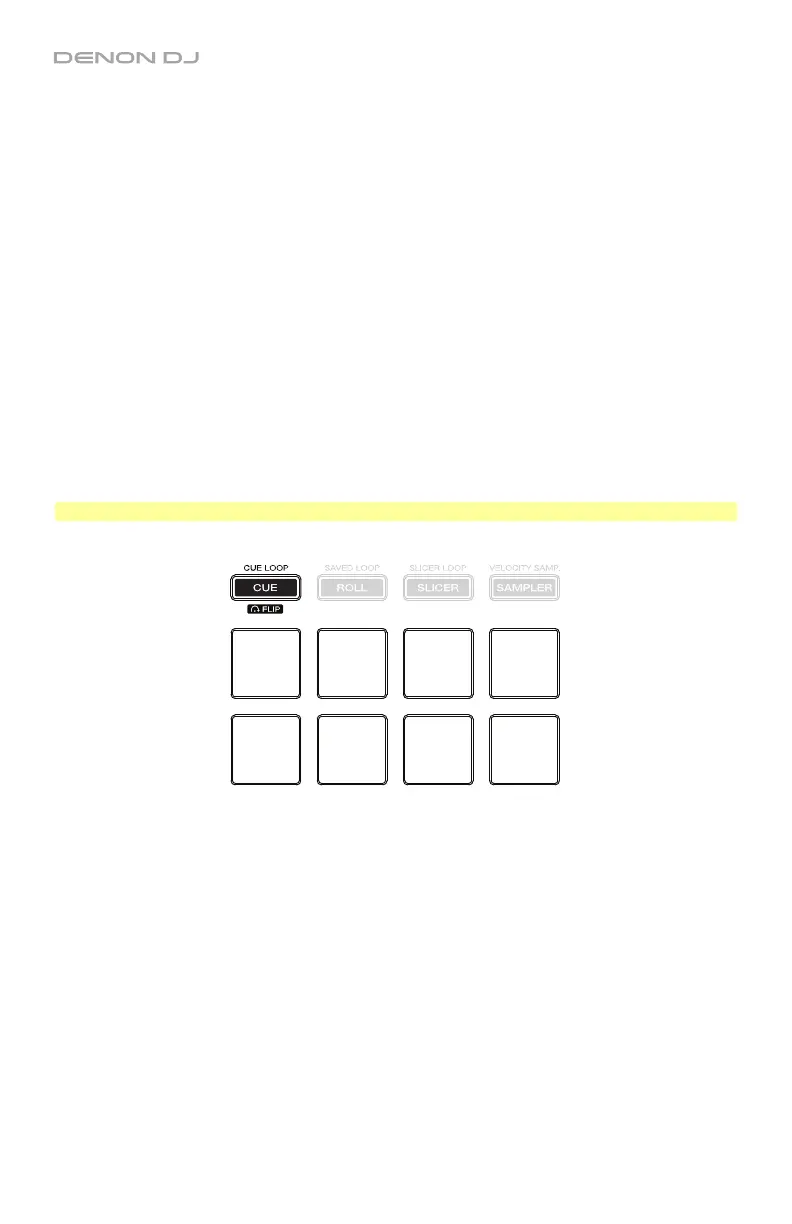
In Flip Mode, Pads 1–6 each trigger a Flip, which you can assign in the software. See the
Serato DJ manual to learn more about Flips. You can use this if you have installed the Serato
Flip Expansion Pack.
To enter Flip Mode, press and hold Shift and then press Cue / Cue Loop / Flip so that it
lights red.
To start or stop recording of a Flip, press the button.
To play a Flip, press the corresponding lit pad (1–6). The pad will flash as the Flip plays.
Alternatively, press Pad 8 to play the active Flip.
To restart Flip playback, press the button.
To immediately stop playback of a Flip, press and hold Shift and then press the
corresponding pad (1–6). Alternatively, press Pad 7.
To activate or deactivate a Flip loop, press and hold Shift and then press the button.
To exit Flip Mode and exit Flip playback, press and hold Shift and then press the button.
To automatically “snap” the length of a Flip so it aligns with the beatgrid, press Pad 8.
Important: Your track must have a set beatgrid for this feature to work.
Flip 1
Flip 2
Flip 3
Flip 4
Flip 5
Flip 6
Flip
On/Off
Flip Loop
Snap


 To Next Page