33
Using Engine
Getting Started
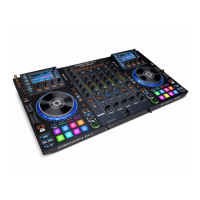
To prepare a USB hard drive or flash drive to use with an Engine-compatible player, we
recommend using the Engine computer software to create an Engine Target database on your
USB drive. When MCX8000 plays the tracks on that USB drive, it will reference its Engine
database information, resulting in a smoother performance. Analyzing your music library in
Engine also enables you to use hot cue points, crates, and playlists as well as view color-coded
waveforms. Each USB drive can have an independent Engine Target database on it, so if your
player lets you connect multiple USB drives, you can use it to access multiple Engine Targets.
An Engine database includes information to enable the following features:
Crates Cue Points Loop Points BPM Filter Search
Playlists Hot Cue Points Beat Points Waveform Data Word Search
See the Engine User Guide to learn how to create and manage an Engine Target database.
See Technical Specifications > Playable Media for a list of supported file formats, file sizes, etc.
Important:
An Engine Target database requires approximately 500 MB of free space on your USB drive.
We recommend using a FAT32 partition type for the best performance.
Mixing with Engine
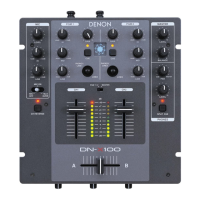
Important: In order for the Sync buttons on MCX8000 to work, both active decks must be
controlling decks in Engine. Trying to sync a deck playing a track in Serato DJ to a deck
playing a track in Engine can produce unexpected results.
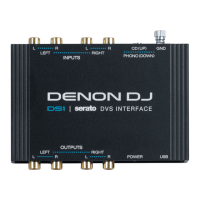
To set a channel on MCX8000 to control a deck using Engine, set the Input Selector on
Channel 1 or Channel 2 to the Engine icon (
). That channel will now control the mixing levels
for that deck using Engine.
Navigating & Loading Tracks
While using Engine on MCX8000, you can switch the display between two views: the track list
and the Performance View.
The track list lets you browse your Engine Target databases (track libraries) on a connected
USB drive, including individual tracks as well as crates and playlists. This section explains how
to navigate the track list and load tracks to the deck.
See the following Playing Tracks section to learn more about using the Performance View.


 To Next Page