6
Features
Top Panel
2
1
4
4
4
5
6
8
7
2
1
4
4
4
5
6
8
9
7
2
1
4
4
4
5
6
8
7
2
1
4
4
4
3333
5
6
8
7
13
14
15
16
10 10 10 10
16
17
18
18
19
20
21
27
28
29
30
31
32
33
34
35
36
38
37
39 40 41
42
43 44
45 45
48
46
47
50
51
52
54
55
57
56
58
59
60 60 60
61
61 61
62
63
64
64
65
65
53
49
35
26
22
24
25
23
17
17
17
15
12
11
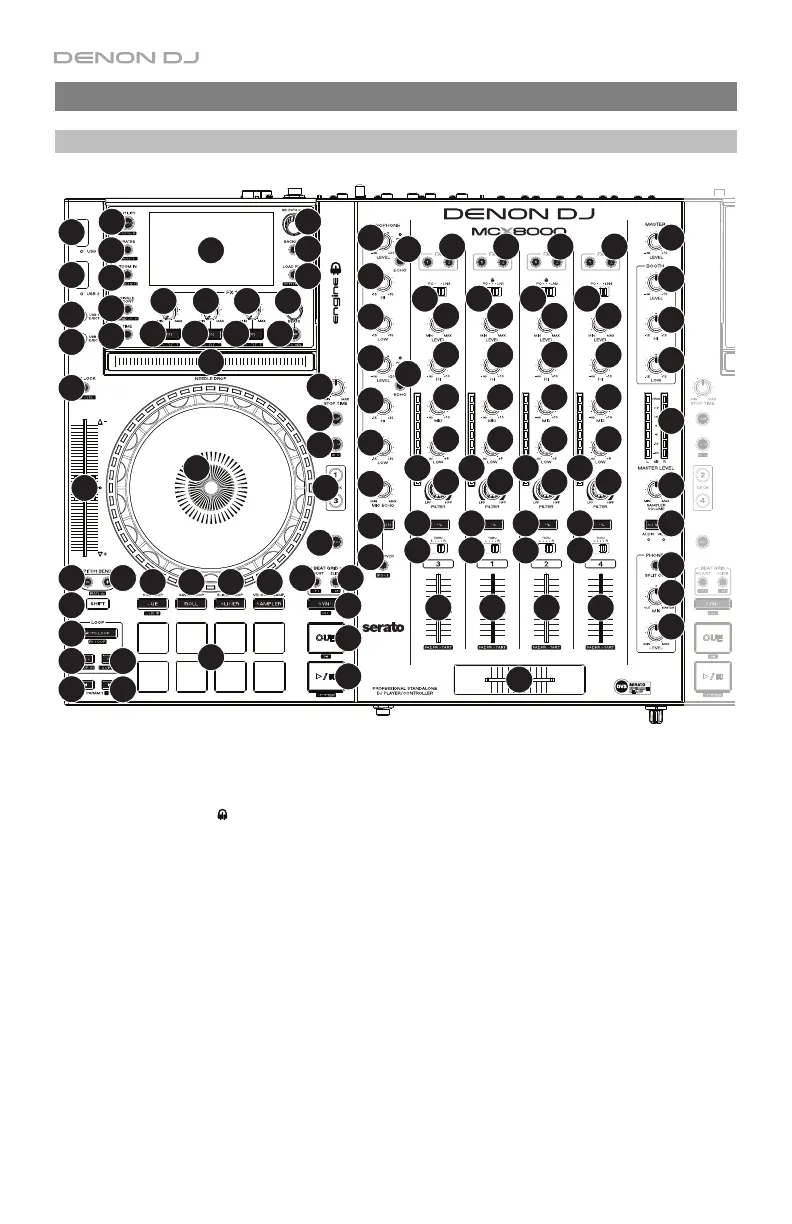
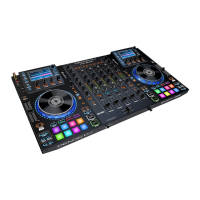
1. Input Selector: Set this switch to the desired audio source from this channel: PC (a track
playing on that layer in Serato DJ), Line (a device connected to the Line Input on the rear
panel), or Engine (
) (a track on a connected USB flash drive; Decks 1 and 2 only). Please
note that the Line/Phono selector switches on the rear panel must also be set properly. Also,
a channel’s controls will only send MIDI information when its Input Selector is set to PC.
2. Channel Level: Turn this knob to adjust the level of the pre-fader, pre-EQ audio signal for
the channel.
3. Channel Level Meters: These LEDs display the audio signal level of the channel.
4. Channel EQ: Turn these knobs to boost or cut the high, mid-range, and low frequencies
for the channel.
5. Channel Filter: Turn this knob to adjust the filter applied to the channel. Turn the knob
counterclockwise to apply a low-pass filter. Turn the knob clockwise to apply a high-pass filter.
6. Channel Cue: Press this button to send the channel’s pre-fader signal to the headphones’
cue channel.
7. Channel Fader: Use this fader to adjust the channel’s volume level.
Press and hold Shift and move the fader to activate Fader Start in Serato DJ or Engine.


 To Next Page