37
Playlists
Using the computer version of Engine software, you can use playlists to manage tracks in your
Engine Target database and the order in which they play.
You can add up to 1,000 tracks to each playlist. A track can appear on a playlist multiple
times.
The tracks in a playlist will appear in the order they were added to it.
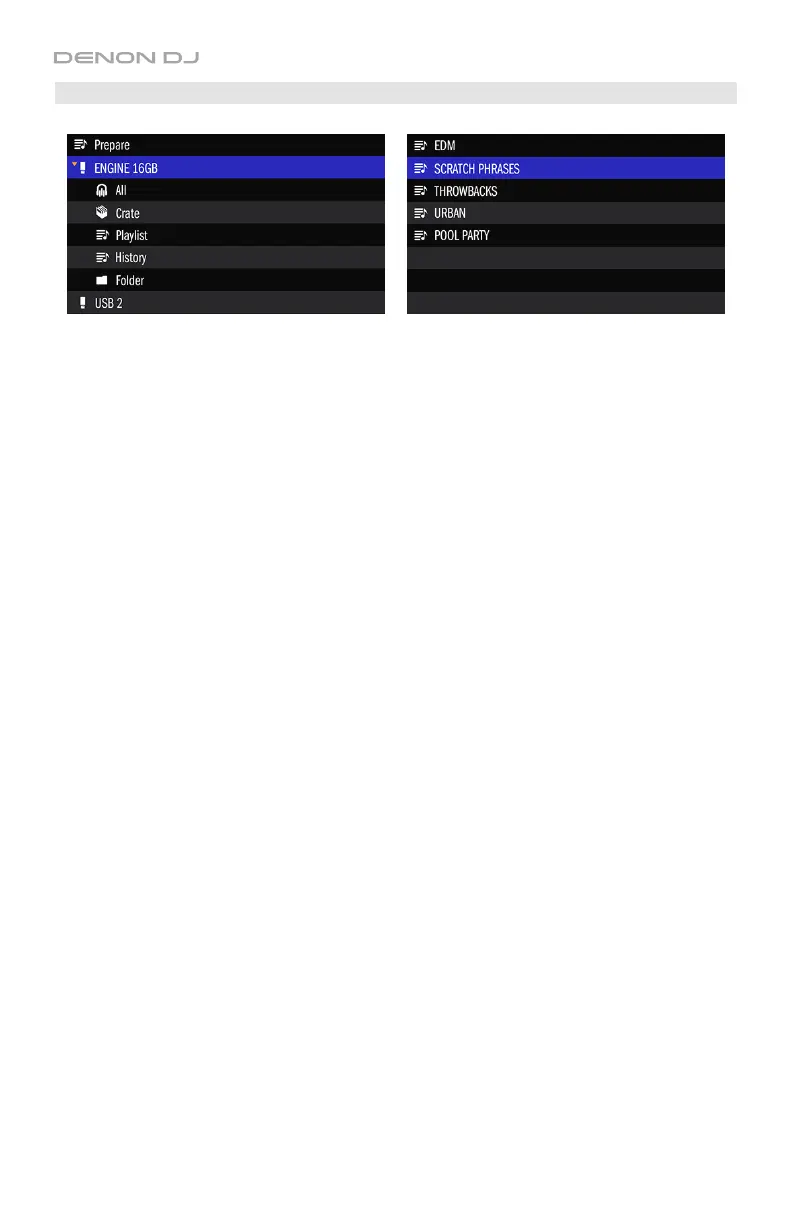
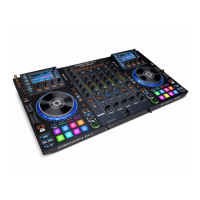
To enter a playlist, press the Select/Load Knob when a playlist is selected.
To load a track to a deck, turn the Select/Load Knob to select a track, and then press the
Select/Load Knob to load it.
See the Engine User Guide to learn how to manage playlists in your Engine Target database.


 To Next Page