6
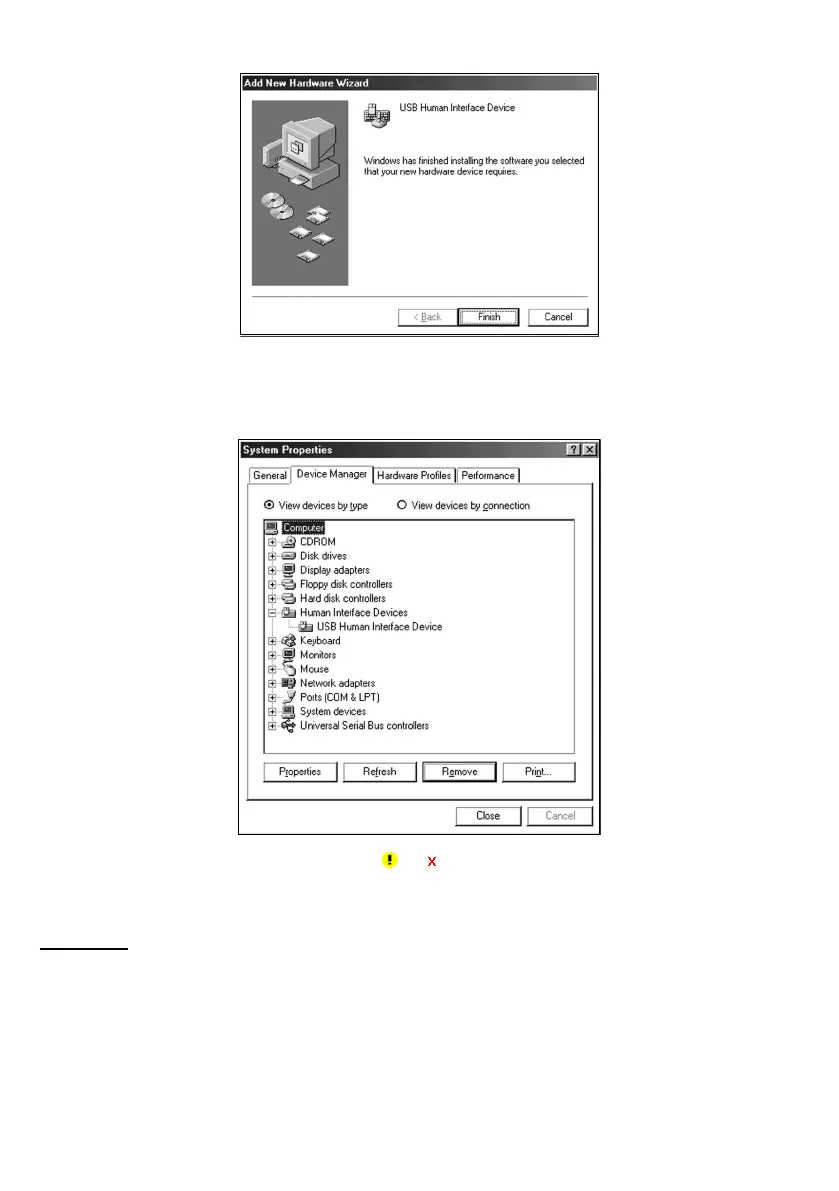
(7) When the following screen appears, click Finish to return to Windows.
(8) To check whether the USB device is working normally, open the Windows’ Device Manager.
If USB Human Interface Device is added to the sub-tree of Human Interface Devices as shown below, the scanner
is connected normally.
If the device is not listed or it is marked with
or , perform the above connection process again from the
beginning.
Windows Me
(1) Switch the computer on to run Windows Me.
(2) Connect the scanner interface cable to the computer or USB hub.



 To Next Page