- 27 -
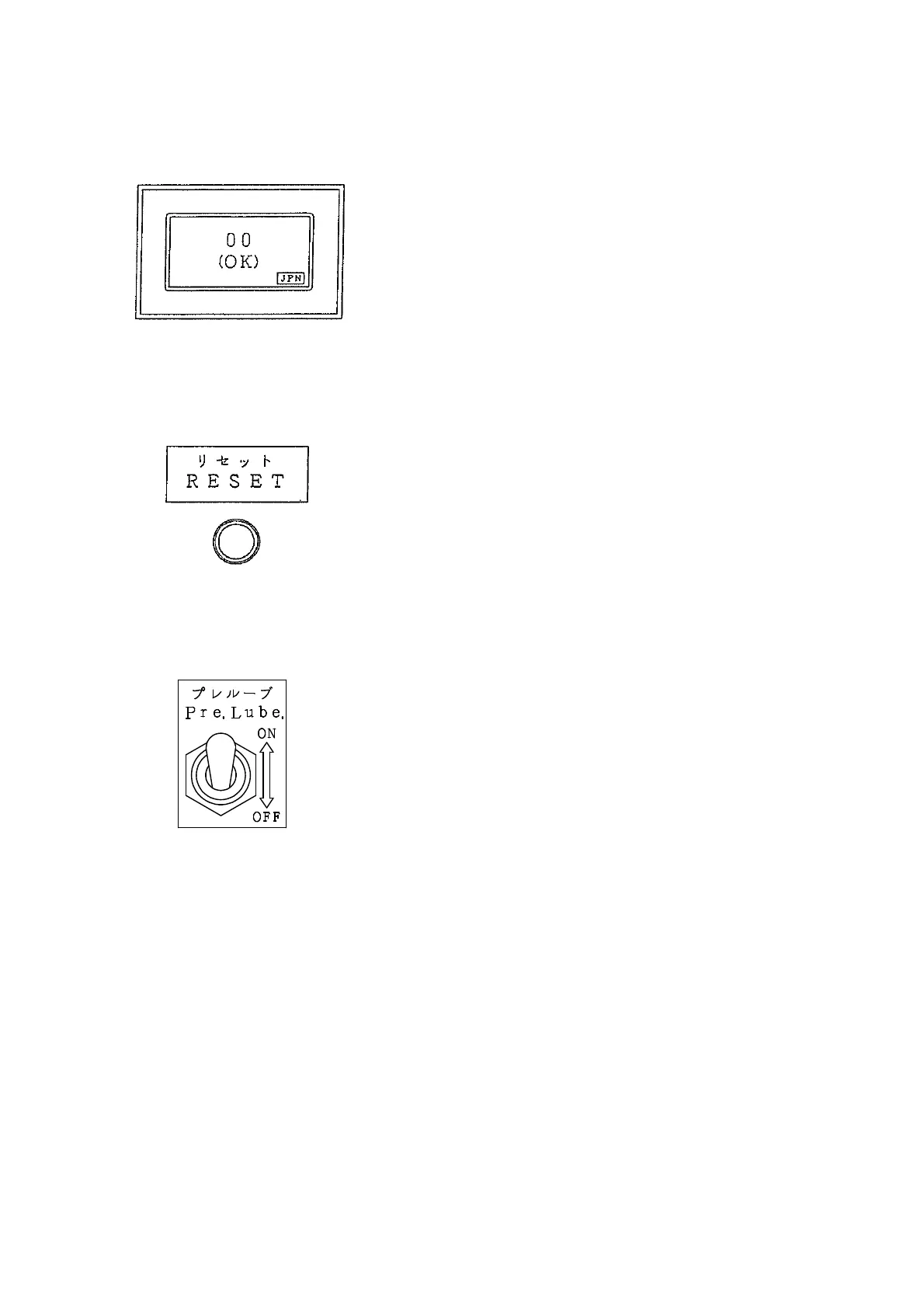
(3) Defect identify display
This is a function that displays engine troubles, and is
equipped on the surface of the controller.
When the engine starts and the controller turns on, this
indicator checks various parameters within about 10 seconds,
and if finds normal operation, the digits "00" are displayed.
If the indicator finds some parameter abnormality, "E-" is
displayed, followed by the error code and type of problem.
(4) Reset button
This is the reset button for the defect identify display.
The display will keep on showing the trouble even after
it is corrected and engine is started again. To cancel such
condition and recover the normal indication, press this push
button for one second.
(5) Pre. Lube. Switch
It enables non-injection cranking by turning the switch
"ON". Use this switch when starting the engine after
long term storage or after replacing the oil filter cartridge.
The engine will stop if the switch is turned "ON" while
the engine is running.
At normal operation, make sure the switch is in "OFF"
position.
[Operation Procedure]
① Turn the starter switch to "RUN" position.
② Turn the Pre,Lube. Mode Switch to "ON" position.
③ Turn the starter switch to "START" position to crank up.
(Do not run the starter motor for more than 15 seconds.)
④ Stop the cranking when the oil pressure is increased.
⑤ Turn the Pre.Lube. Mode Switch "OFF".
⑥ Turn the starter switch to "STOP" position .


 To Next Page