- 38 -
5. Operation
ELECTRONIC GOVERNOR CONTROL
Features
This machine is equipped with an electronic governor.
It is possible to switch to the Isochronous and the Droop control by using the
"Isochronous-Droop Change-Over Switch" located in the control box.
The governor is set to Droop Control when it is shipped.
* Use Droop control for normal operation.
* Once the "Single-Parallel Change-Over Switch" is turned to the "Parallel" position,
it will automatically set Droop Control at each position of the "Isochronous-Droop
Change-Over Switch"
* Droop control will improve the starting efficiency when starting with a heavy load.
Therefore, operate this machine using Droop Control in such case.
The explanation of each control is as follows.
Explanation of Control
■ Droop Control: (The frequency changes depending on the load size)
With Droop control applied, the frequency is controlled to change according to the applied load.
The RATED LOAD frequency will be decreasing approximately 2-2.5Hz compared to
the NO-LOAD frequency.
Operation Method
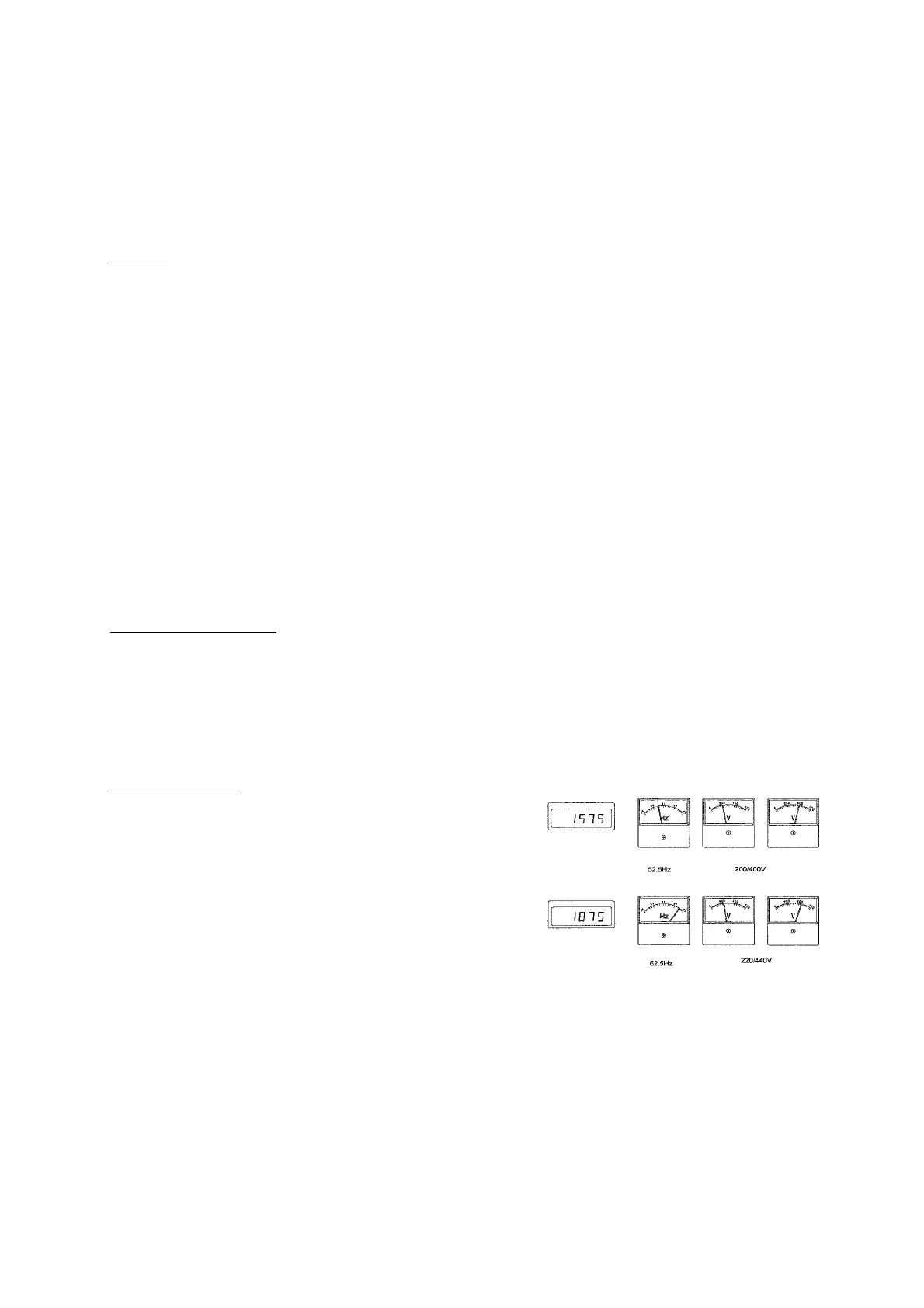
①After the engine warmed up, set the speed
using the Speed Regulator (refer to the right
picture) once the machine is running at high speed.
②Set the required voltage using the voltage regulator.
③Turn ON the Circuit Breaker and the unit will be at
power transmission state.
■ Isochronous Control: (The frequency is constant regardless of the load size.)
With Isochronous Control applied, the frequency set at NO LOAD state is constantly controlled
regardless of the applied load. (The last set frequency will be recorded and saved in the
controller even after the engine is stopped)
However, once the "Single-Parallel Change-Over Switch" is turned to the "Parallel" position,
it will automatically set Droop Control at each position of the "Isochronous-Droop
Change-Over Switch"


 To Next Page