16-10 Operation with the GOES Radio XL™ Series
16.3 GOES Self-Timed Options
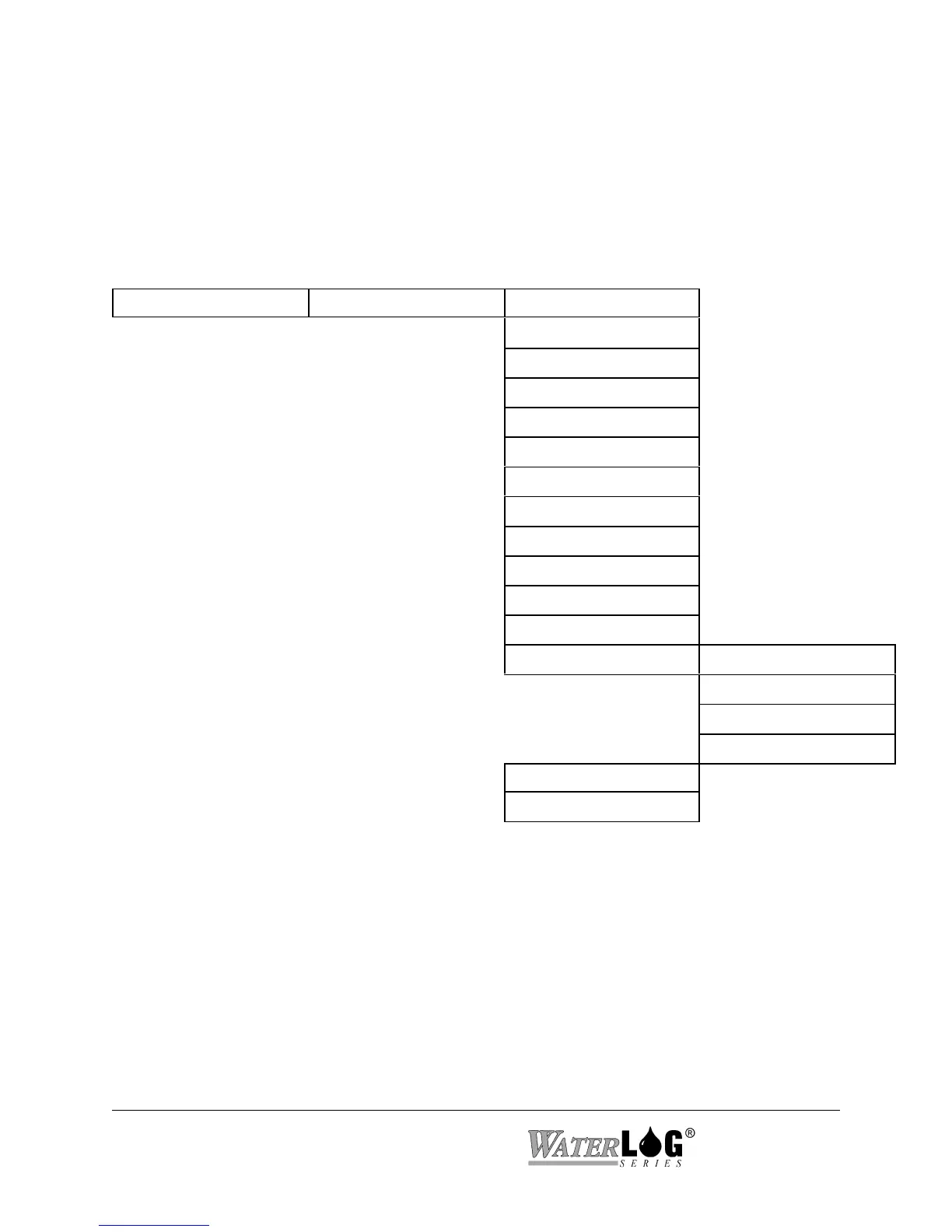
Below is the menu structure for the Self Timed GOES options when using the built in display
and keypad. Several of these screens use the abbreviation ST to indicate one of the Self-Timed
options.
Built in Menu Structure: GOES Self Timed Options.
GOES Options -> Self Timed Options -> ST Channel [000]
ST Rate [00:00:00]
ST Offset [00:00:00]
ST Baud Rate = 100
ST Window [15 Sec]
Center Data [Yes]
ST Data Fmt [SHEF ]
Data Order [SCAN ]
Data First [Newest]
Send SHEF Codes[No ]
Append Bat Valu[No ]
Extra Data Sets [01]
ST Data Options -> Source 1 [None ]->
| SHEF Code 1 [ ]->
| MeasRate 01[00:15:00]
| Format 1 [XX.XX ]->
ST Buffer Cnt = 0
Txd Test Carrier?



 To Next Page