23-18 XL-BASIC Programming Guide XL™ SERIES
CREATING XL-BASIC PROGRAMS:
XL-BASIC programs are created using text editors like NOTEPAD that comes with most PC’s,
or the “EDIT” program on most older PC’s. Word processors in normal mode will NOT work as
they will add several formatting codes to the text. Some word processors have a mode for
editing basic text files and should work fine.
When creating a basic program file use a file name that describes the operation of the program.
This will help when several files reside in the same folder. Also the file extension must be .BAS.
When the XL™ series data logger looks for files to load for basic programs it uses the file mask
*.BAS so only the .BAS files are listed.
XL-Basic Menu Screens
Menu options are available on both the built in display and on the PC menu interface to load and
test the basic programs.
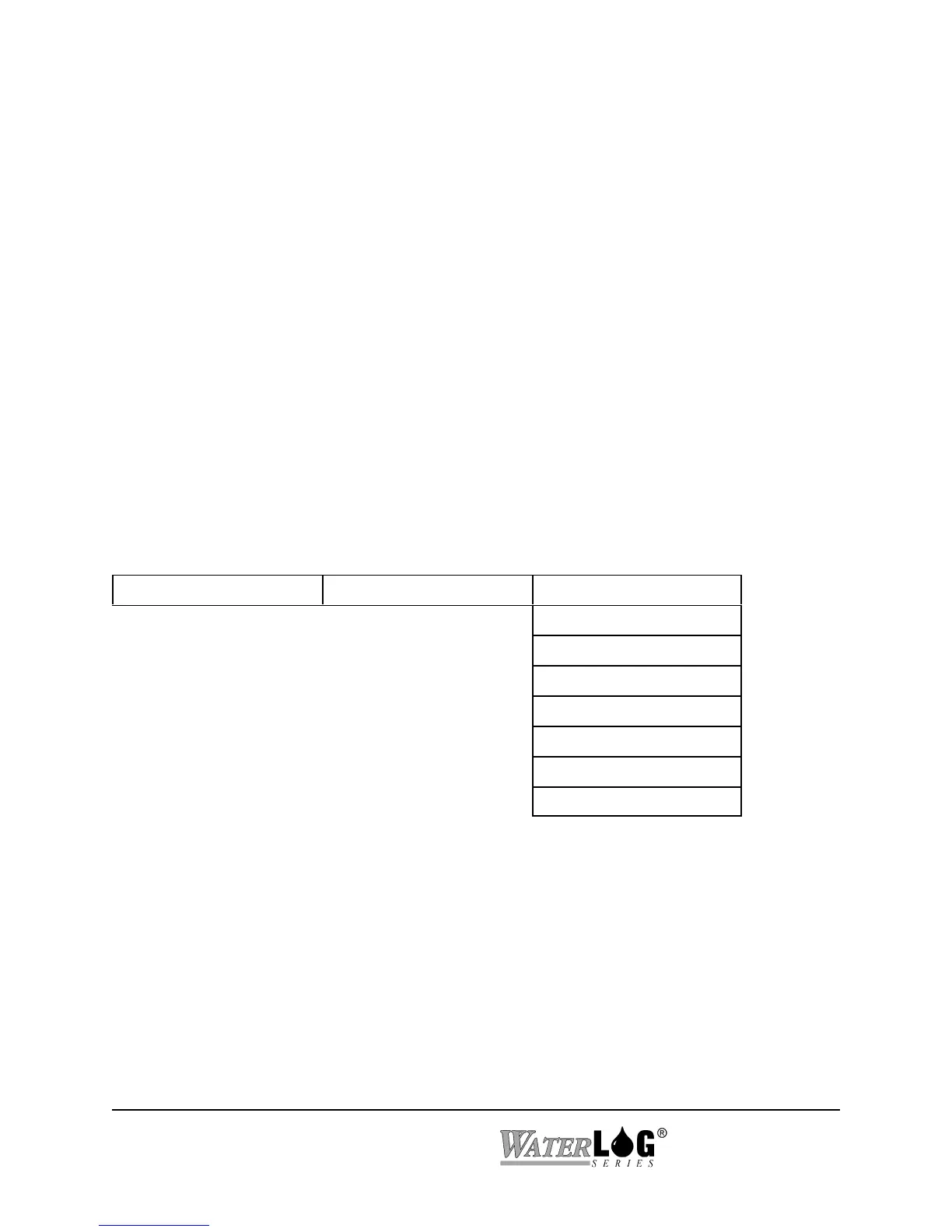
Built in Menu Structure: XL-Basic Menu
System Setup -> XL-BASIC Options -> Load XL-Basic Code?
Get XL_Basic Code?
XL-Basic1 = x.xx
XL-Basic2 = x.xx
XL-Basic3 = x.xx
XL-Basic4 = x.xx
XL-Basic5 = x.xx
Debug Stepping Off



 To Next Page