ELECTROVAP® ELMC
40
5.3 CHANGE SETTINGS MENU
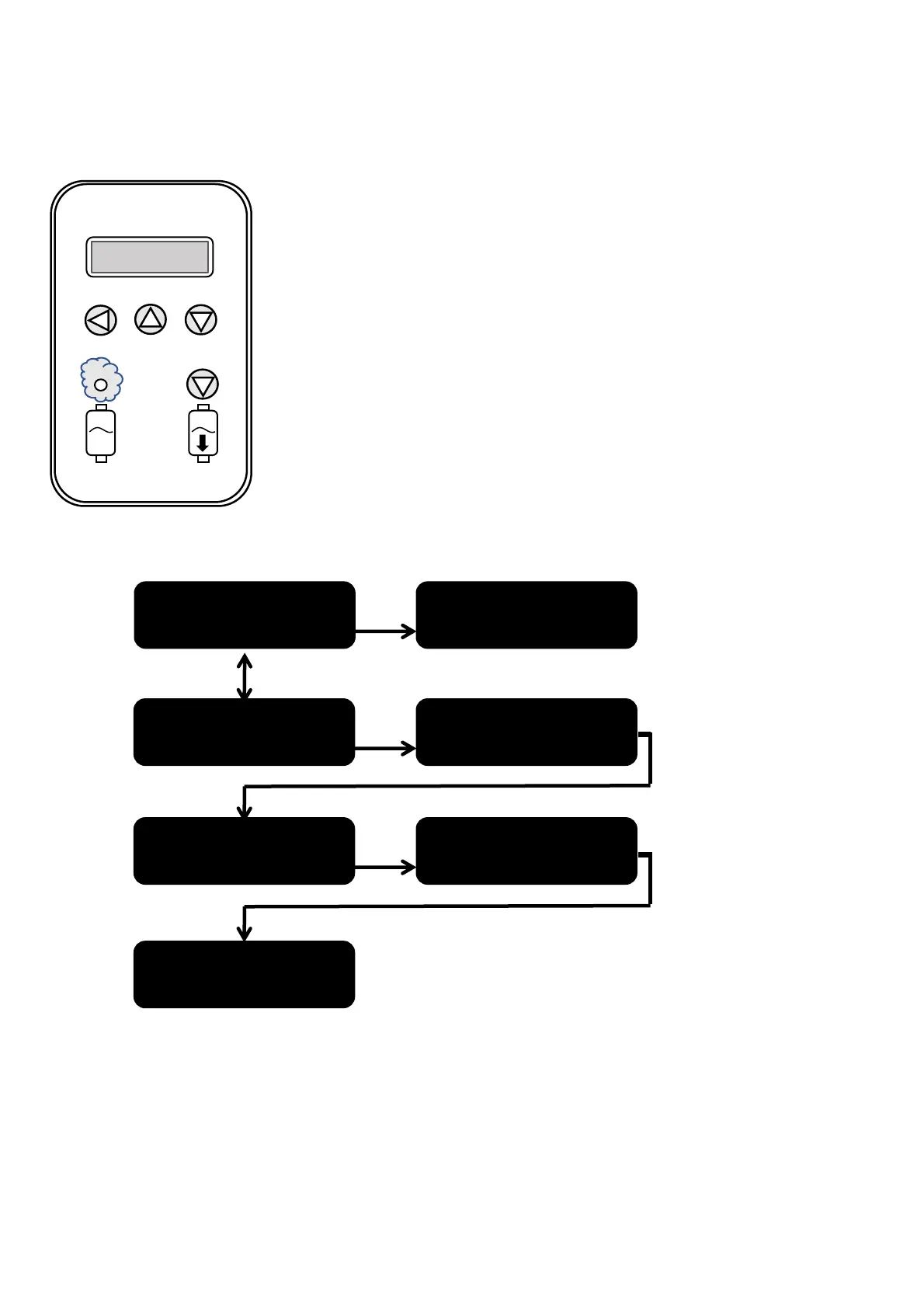
Procedure to enter the access code:
• Press the "1" key: the first cross flashes.
• Press the "2" key to increase the digit or the "3" key to decrease it.
• Once you have reached the desired digit of the code, press the "1" key to validate it:
the 2nd cross flashes.
• Proceed in the same way for the following digits, and do not forget to validate the
code by pressing the "1" key.


 To Next Page