EN - 39SE-DV64-HE
SYSTEM ASSEMBLY
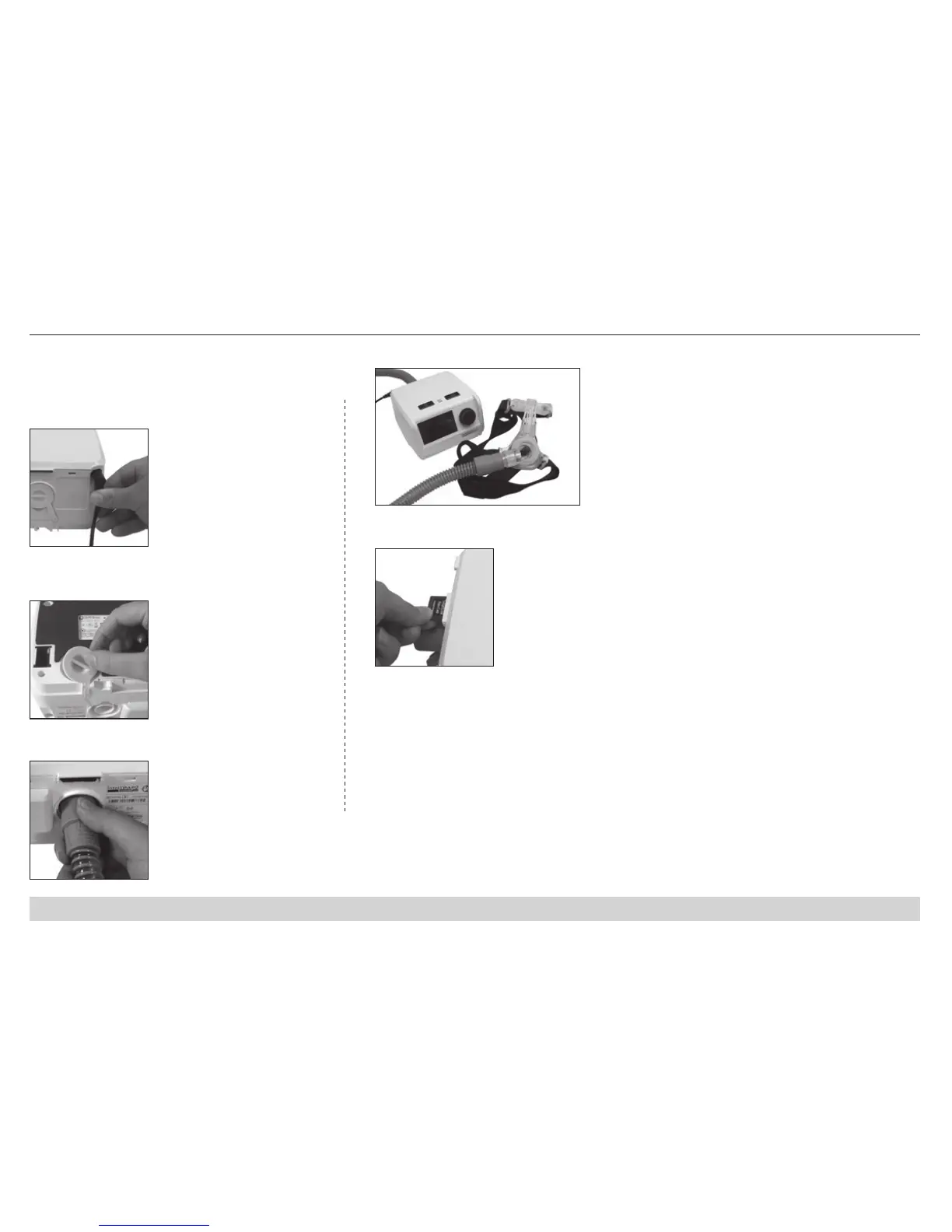
1. Place system components on a stable surface.
NOTE – For models with heated humidication option,
please refer to humidier guide for device set up.
5. Prepare mask and connect to tubing.
4. Attach tubing to device.
2. Insert power cord into back of device and wall outlet.
6. Insert SD card into slot (if applicable).
3. Verify air supply port cover is inserted into port on
bottom of device.













 To Next Page