EN - 49SE-DV64-HE
DEVILBISS SMARTLINK
®
PATIENT THERAPY MANAGEMENT SYSTEM
DeVilbiss SmartLink technology is included in every device. It is used by your provider in conjunction with our exclusive software to monitor the effectiveness of your therapy and how
consistently you use the device. Information can be obtained through the use of an SD card or by direct download to a computer with SmartLink software installed.
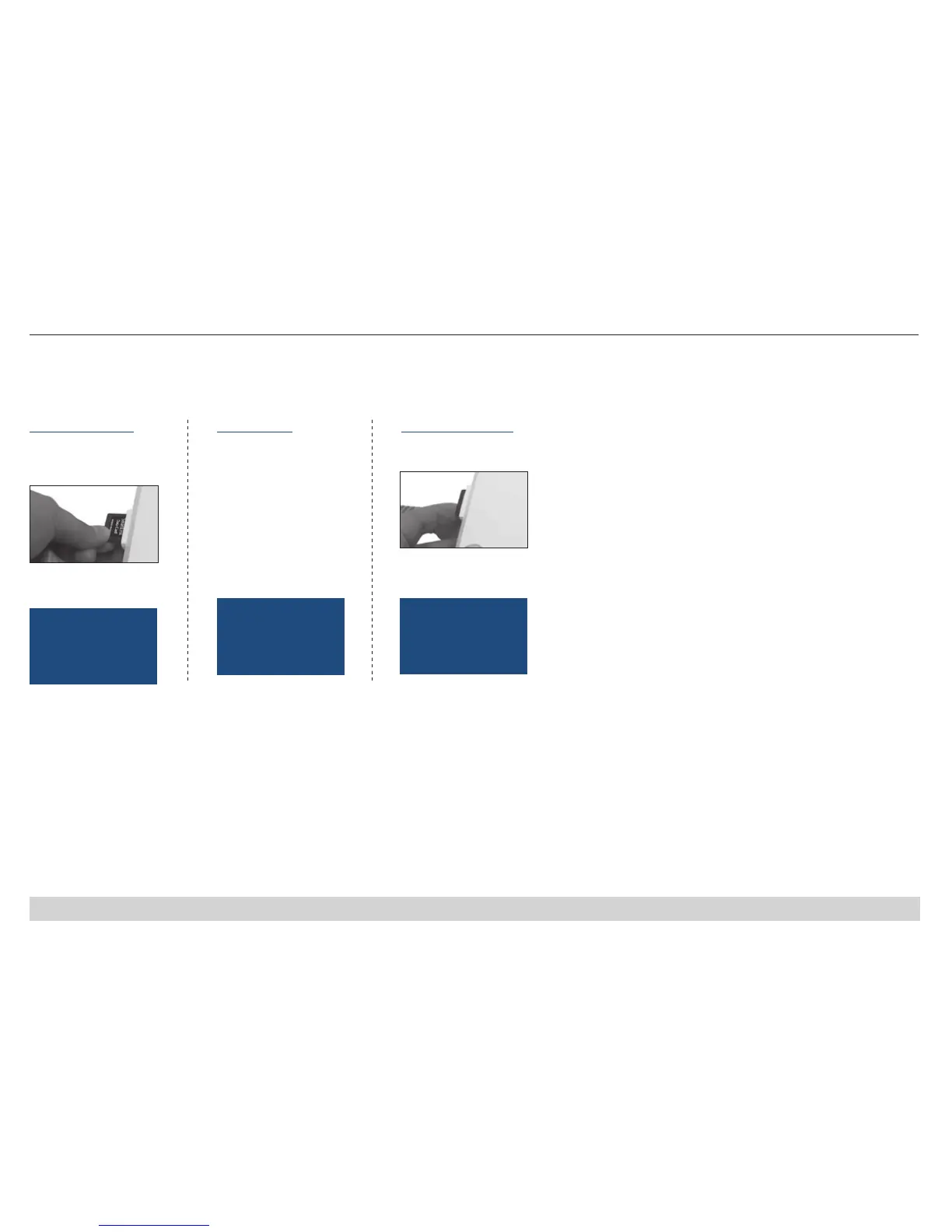
Using an SD Card
Your provider may give you an SD card to collect data. It should be installed during device set up and kept in device. Your provider will instruct you on when to return the card.
1. Insert card face up.
Press until it clicks into
place.
2. Message will display
and tone will sound.
Card Detected
Ready For Use
1. Device is copying
card. Card should remain
in device until copying is
complete
1. Press and release card;
remove from CPAP.
Card Detected
Please Wait...
2. Message will display
and tone will sound.
To install the card Data transfer To remove the card
NOTE – DO NOT remove
SD card while showing
“Card Detected Please
Wait.” SD card may be
corrupted if removed
during this message.
Card Removed
Send to Provider













 To Next Page