41 Network configuration
devolo dLAN pro 1200+ WiFi ac/n
4.3.4 System/Button/LEDs
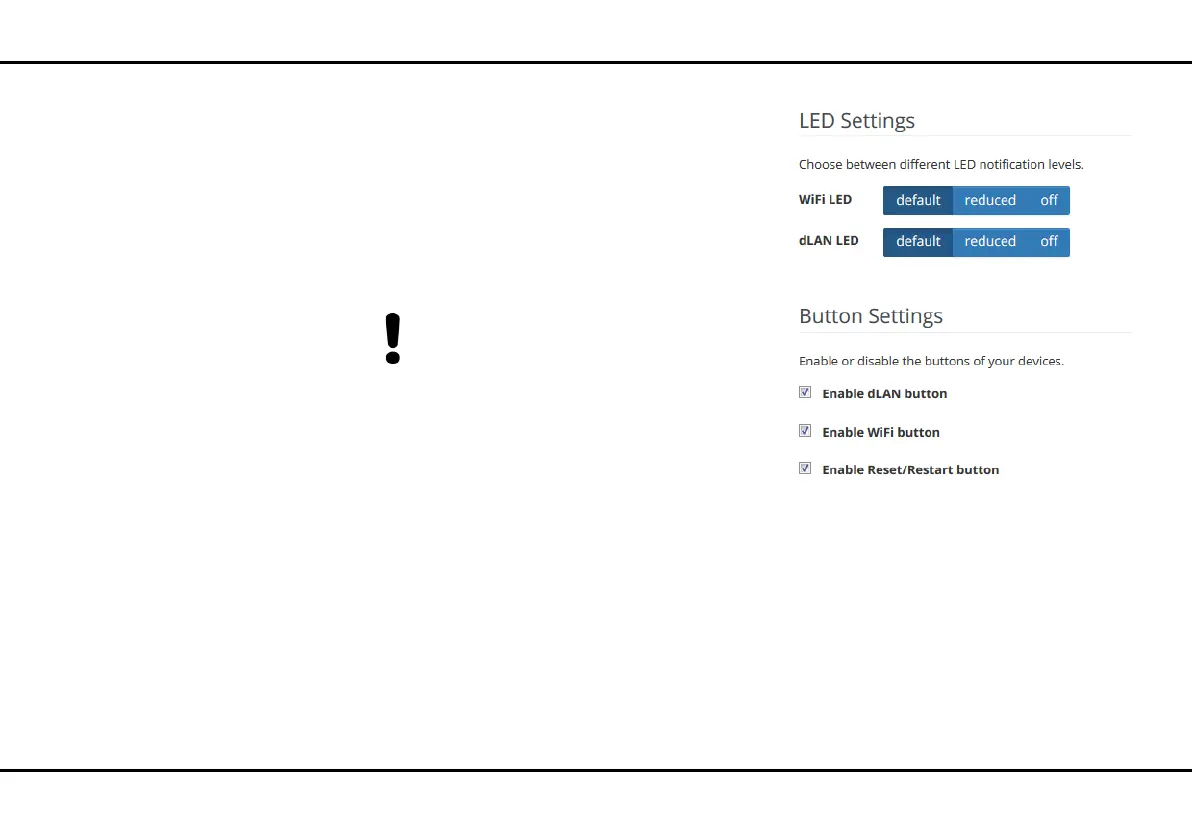
Here you can assign the settings for the device's LEDs
and buttons.
LED settings
You can choose between the standard, reduced and
off settings for each LED. Depending on the setting,
all possible or only certain flash and light statuses will
be shown.
The LED schema on the following page (see
Fig. 11) explains these statuses in detail.
Button settings
You can enable and disable the function of the buttons
by activating or deactivating the corresponding check-
boxes.













 To Next Page