Network configuration 56
devolo dLAN pro 1200+ WiFi ac/n
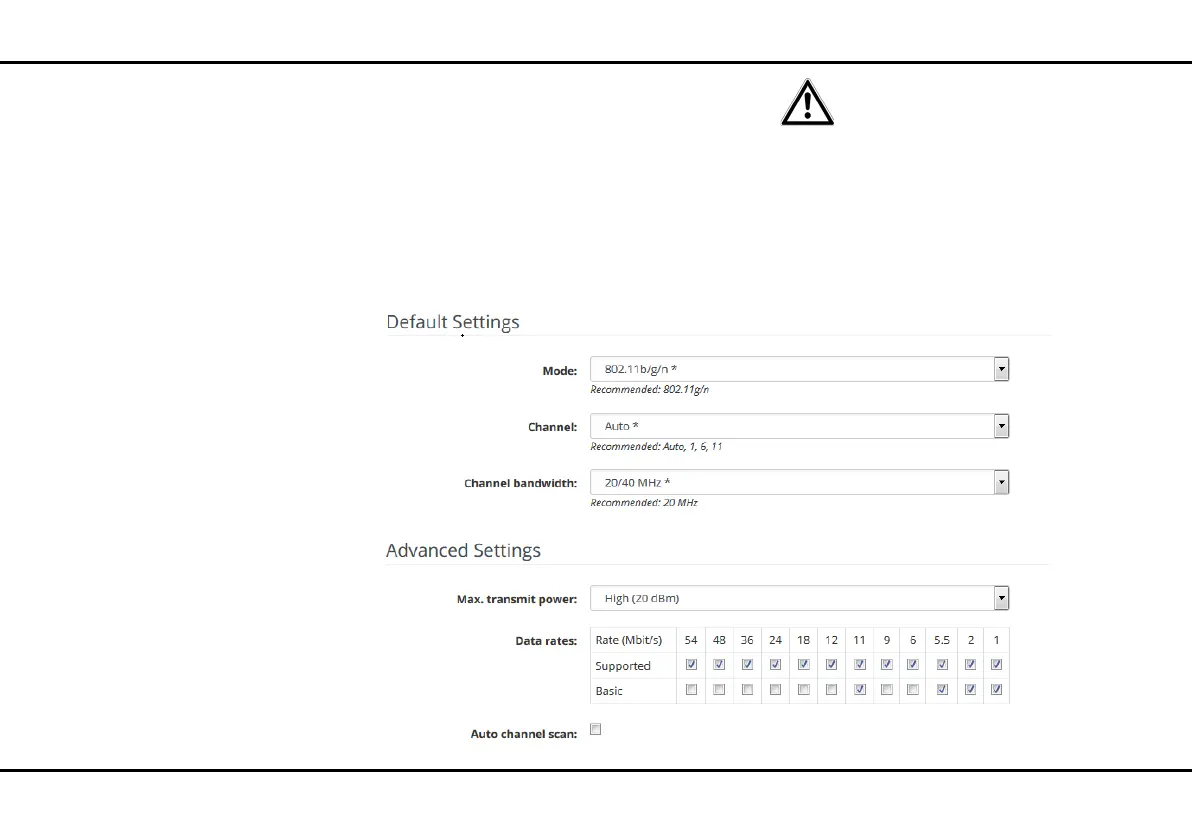
4.6.2 WiFi/2.4 GHz radio
Here, carry out all necessary settings for the frequency
band of 2.4 GHz.
Switching the WiFi on or off
If you would like, you can switch off this WiFi part of
your dLAN pro 1200+ WiFi ac/n completely. To do so,
disable the Enable option and confirm your entry by
pressing Save.
Keep in mind that after saving this
setting, you will be disconnected
from any existing wireless connec-
tion to the dLAN pro 1200+ WiFi ac/
n. In this case, configure the device
over Ethernet.













 To Next Page