Network configuration 46
devolo dLAN pro 1200+ WiFi ac/n
Enable the Reset device to factory defaults option
and confirm by pressing Restart if you want to set the
device back to the factory defaults. Keep in mind that
all settings that have already been configured will be
lost!
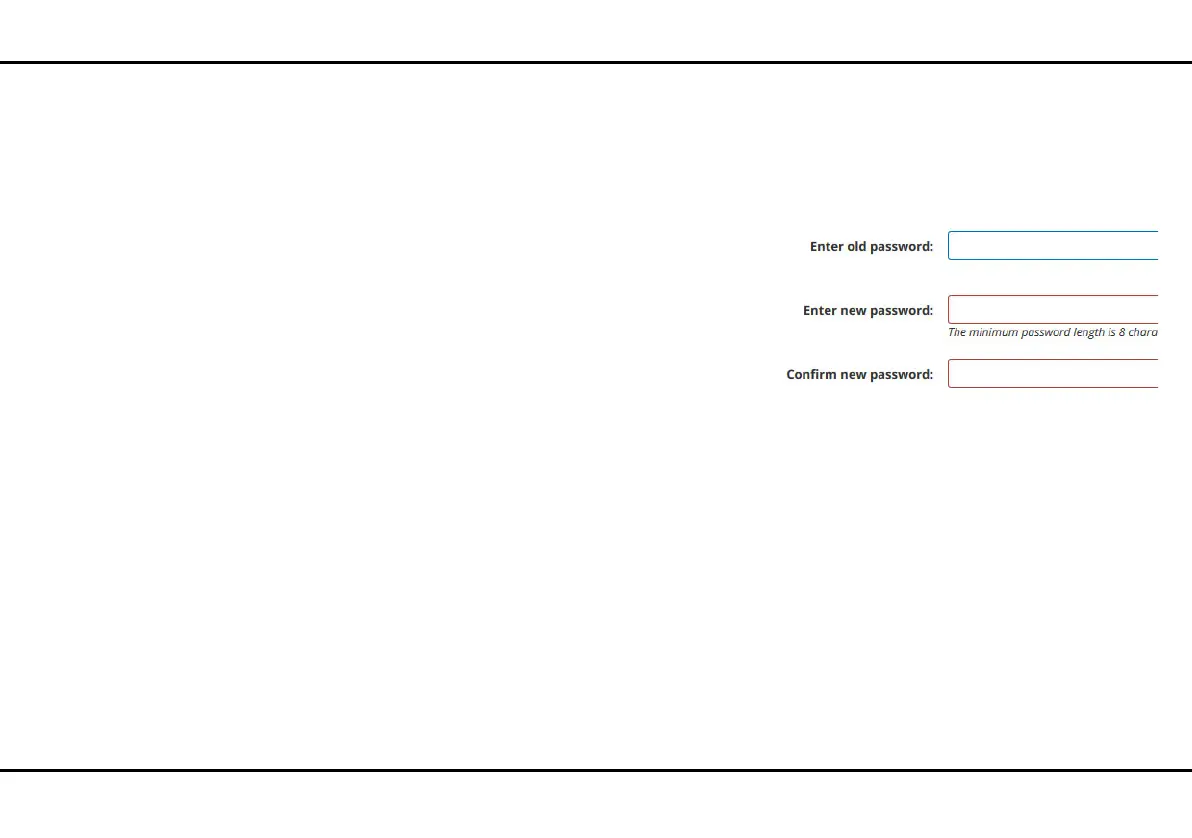
4.3.9 System/Change password
You can change the login password for accessing the
web interface.
To do so, enter the current password and then enter
the desired new password twice.













 To Next Page