Network configuration 44
devolo dLAN pro 1200+ WiFi ac/n
4.3.6 System/Configuration
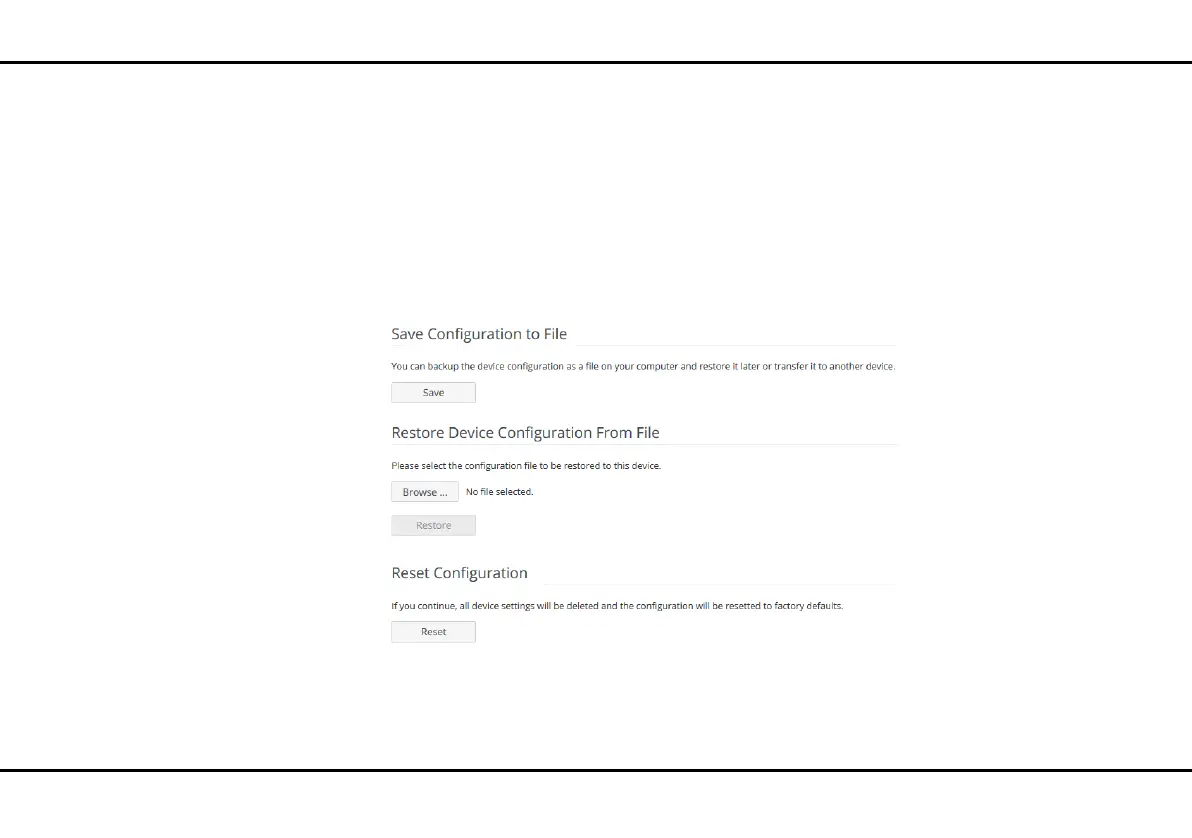
You can save the current configuration as a file on your
computer here, restore it or reset to the factory de-
faults.
Saving the device configuration as a file
For backup purposes, all active configuration settings
can be transmitted to your computer, stored there as a
file and reloaded into the dLAN pro 1200+ WiFi ac/n.
This function can be useful for creating a variety of con-
figurations that will let you quickly and easily set up the
device for use in different network environments.
To save the active configuration as a file on your com-
puter, select the Save file option. Then enter a storage
location and name for the settings file.
Restoring the device configuration
To send an existing configuration file to be restored to
the dLAN pro 1200+ WiFi ac/n, select an appropriate
file using the Select file… button and start the pro-
cess by clicking the Restore button.













 To Next Page