Network configuration 40
devolo dLAN pro 1200+ WiFi ac/n
쎲 The device's configuration interface can be
reached only using the device password assigned
in the connectivity center.
쎲 The configuration interface only shows status
information for IP and WiFi settings.
The dLAN pro network can be managed as
usual using the dLAN AVpro manager; see
chapter 4.5.2 dLAN pro network.
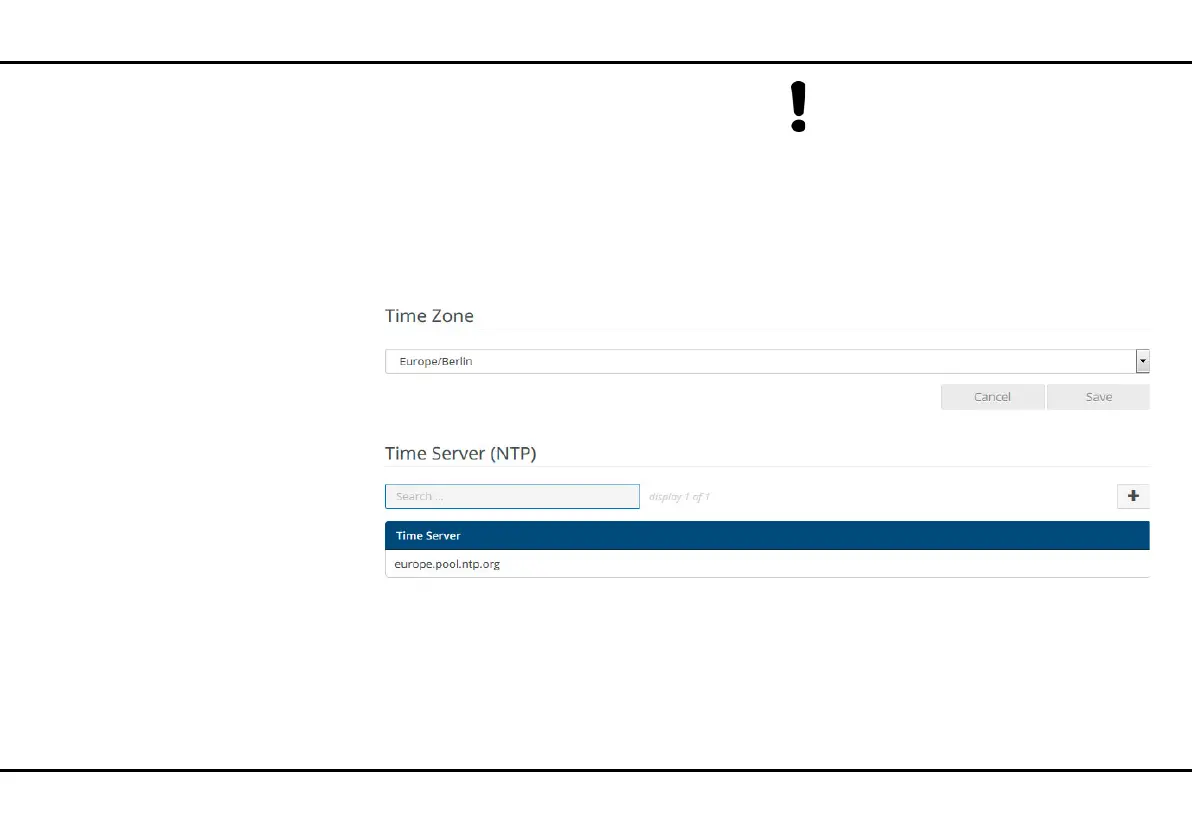
4.3.3 System/Time
A time server is a server on the Internet or in your net-
work tasked with providing the exact time.
Select the desired time zone in the Time zone drop-
down menu.
Select the desired time server or add a desired time
server using the plus icon and confirm the entry by
pressing the Save button in the Time server drop-
down menu.













 To Next Page