39 Network configuration
devolo dLAN pro 1200+ WiFi ac/n
or
쎲 172.25.0.0/255.255.0.0: network address and
subnet mask
or
쎲 172.25.200.253/32: IP address and bits
Be aware that entering the IP ad-
dress and subnet mask
(172.25.200.253/255.255.255.255)
do not work.
connectivity center
The connectivity center is an administrative tool and
online portal for professional and centralised network
administration.
You can use this to handle the entire WiFi configura-
tion for yourdLAN pro 1200+ WiFi ac/n as well as
manage the uniform configuration of multiple
dLAN pro 1200 WiFi and WiFi pro series devices from
a centralised location.
You can find the devolo connectivity center at
www.devolo-cc.com/en
.
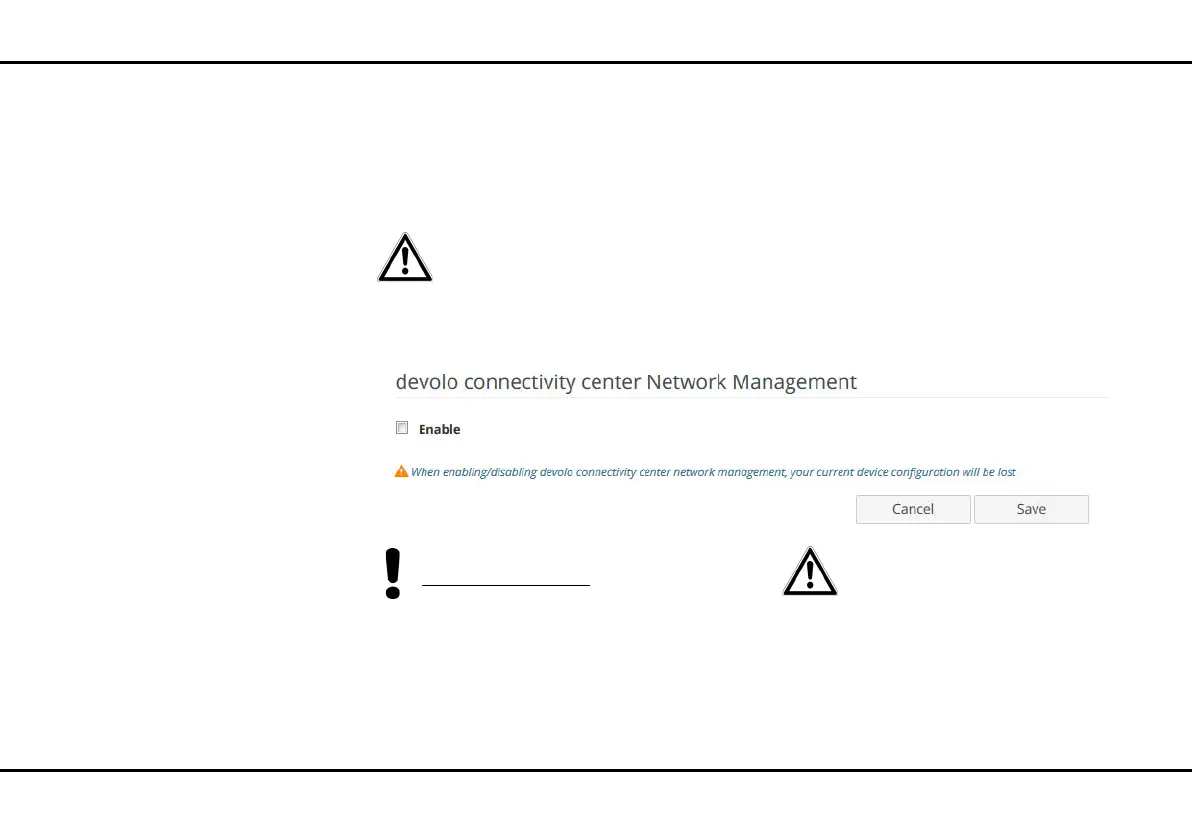
You can enable and disable the connectivity center
functionality depending on how you'd like to manage
your device or upload an existing device configuration.
The connectivity center functionality is enabled by de-
fault.
Be aware that the existing device
configuration can be lost through
enabling and disabling management
with the connectivity center and the
device will be subsequently reset to
factory settings.
The following apply after pairing with the connectivity
center:













 To Next Page