Network configuration 38
devolo dLAN pro 1200+ WiFi ac/n
Remote Syslog server
Switch the remote Syslog server on if you want to re-
cord the syslog entries (see 4.2.2 Status/Events) on
another server. To do so, enter the name or the IP ad-
dress and the port number of the corresponding server.
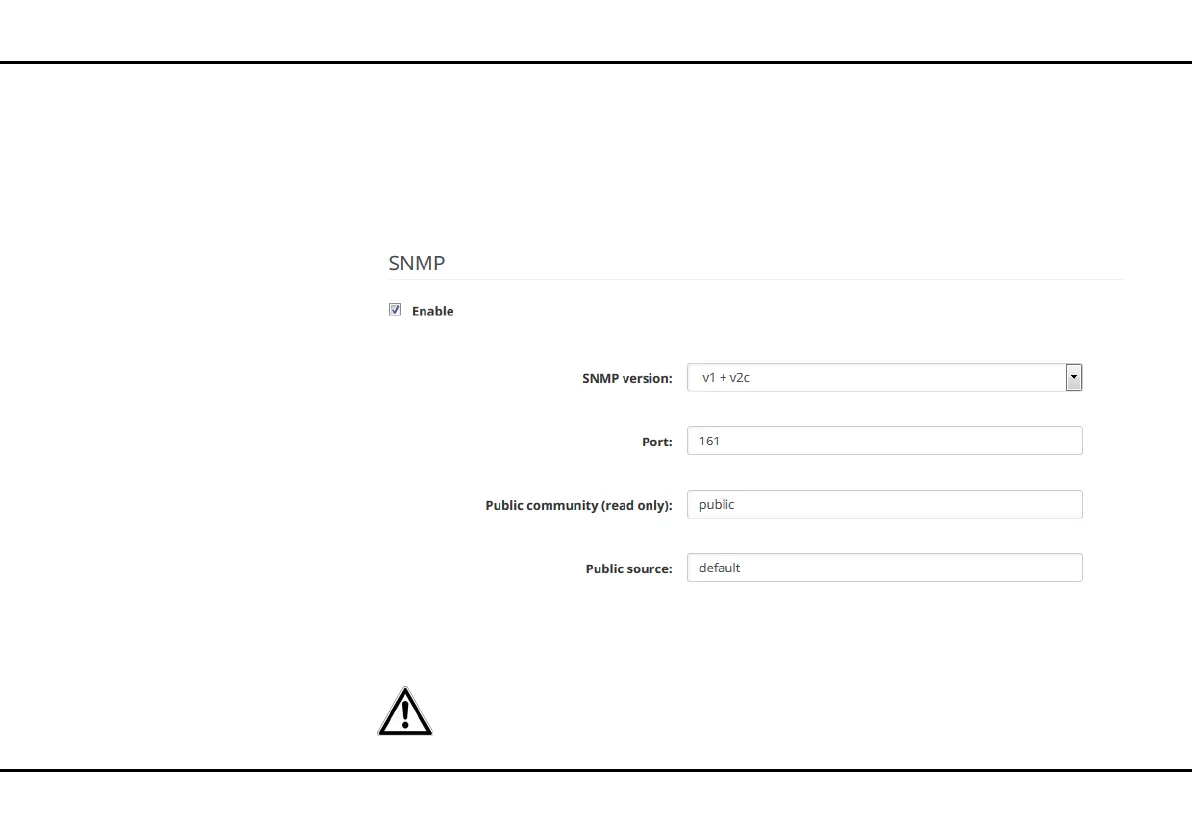
SNMP
Switch on the SNMP option if you'd like to allow
SNMP access. Enter the SNMP version, port number
as well as the desired entries for public community
and public source.
In the public source field, enter, for example, as fol-
lows:
쎲 default: any terminal device can have access
For security reasons, only allow ac-
cess from certain sources.
or
쎲 test128: only this terminal device can have
access
or
쎲 172.25.0.0/16: network address and bits













 To Next Page