49 Network configuration
devolo dLAN pro 1200+ WiFi ac/n
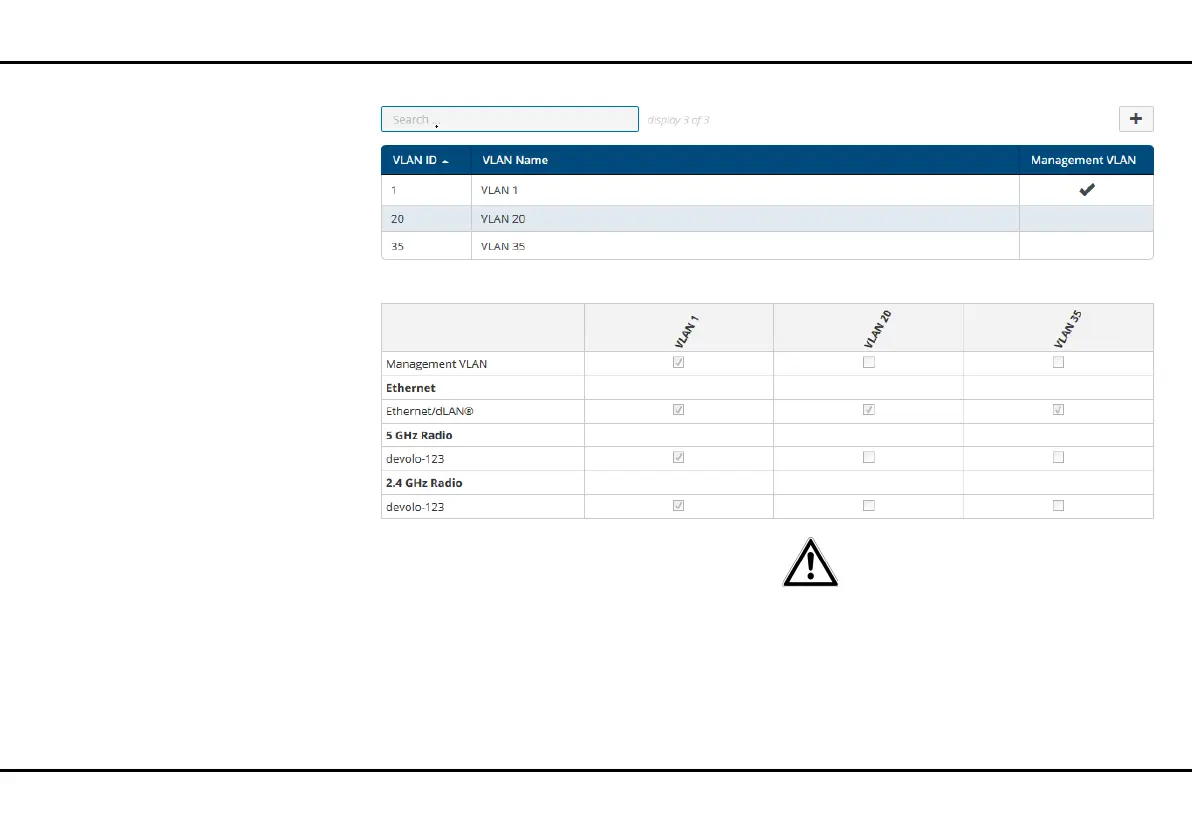
Creating a VLAN
The factory defaults do not have VLAN configured. You
can create VLANs by clicking the Plus icon. In doing
so, a VLAN (VLAN 1 to VLAN 16) has to be selected and
a VLAN ID (1 to 4094) assigned. When creating VLANs,
already assigned VLAN IDs cannot be assigned a sec-
ond time.
When configuring the VLANs and the
VLAN port settings, the web inter-
face of the dLAN pro 1200+ WiFi ac/
n should remain accessible, i.e. con-
figurable. If you can no longer access
the dLAN pro 1200+ WiFi ac/n de-
spite this, reset the device back to
factory defaults (see chapter 3.3.4
Reset).













 To Next Page