53 Network configuration
devolo dLAN pro 1200+ WiFi ac/n
We recommend that you always
choose the same dLAN password as-
signment procedure within a single
dLAN pro network.
For example, if you encrypted your
dLAN pro network with help from
dLAN AVpro manager before, then
add this device to the network in the
same way.
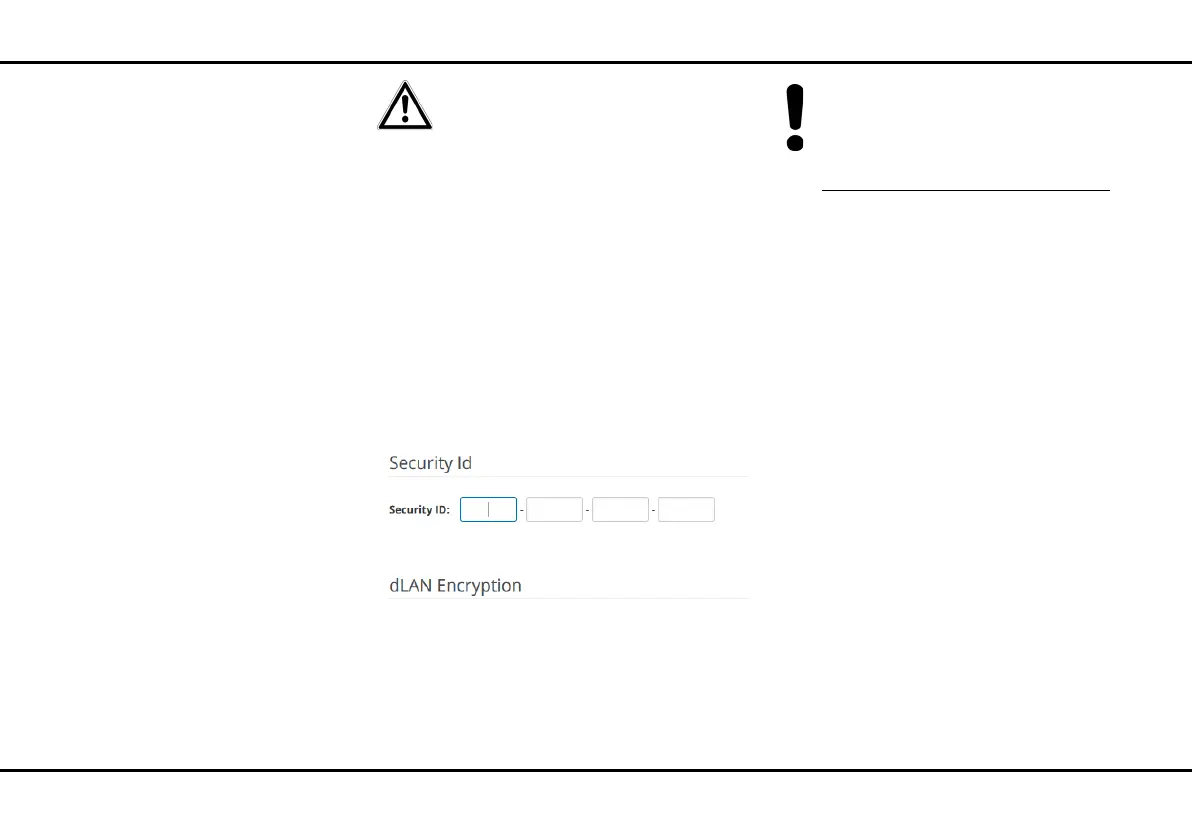
Add device
If you would like to manually add a new dLAN pro de-
vice, provide its security ID and confirm with Save/En-
crypt.
If a new device is added with the help of
dLAN AVpro manager (see 3.5 dLAN AVpro man-
ager), you can disregard the dLAN pro setting here.
For detailed descriptions and information on
configuration of your dLAN pro network please
consult the devolo dLAN AVpro manager man-
ual at
www.devolo.com/en/business-solutions.
dLAN network mode
There are two logical operating modes for dLANs.
dLANs are set up in peer-to-peer operating mode by
default. Alternatively, there is also the MDU operating
mode, which you can configure with dLAN AVpro man-
ager.
쎲 In the dLAN peer-to-peer [P2P] operating
mode, every dLAN device on the dLAN can com-
municate with every other dLAN device on the
same dLAN directly. Within a P2P network, all
dLAN devices are equal to each another in the
hierarchy. In order to coordinate the communica-
tion between the individual end points of the net-
work, the dLAN devices in the P2P network
automatically determine the dLAN device which is
easiest for all devices in this same dLAN network
to reach. This device takes on the role of the Cen-
tral Coordinator [CCo], which ensures efficient
communication between the individual end points
[peers] in the P2P network.













 To Next Page