Navigation
You can access other features using the navigation tools.
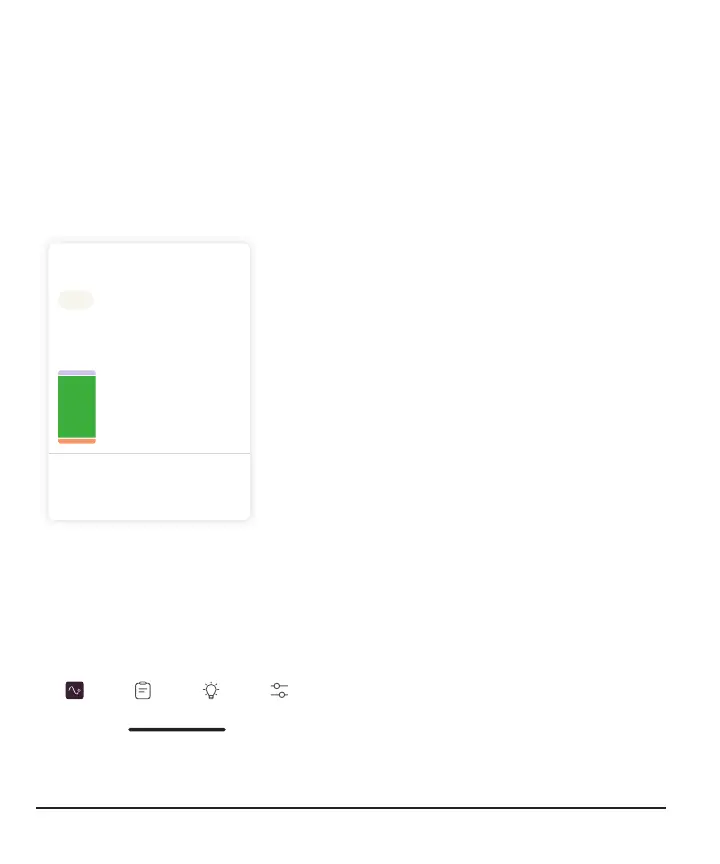
Glucose tab: Glucose Summary
1 Day 3 7 14 30
Glucose Summary
Yesterday
Time in Range
Learn More
Average Glucose
147 mg/dL
16% Above Target Range
12% Below Target Range
62% In Target Range
While you're on the Glucose tab, scroll
down to see your glucose summary
reports. The 1, 3, 7, 14, and 30-day
reports show how your glucose changes
over time using the information recorded
in the app.
Note:
Time in range is the percentage of time
your glucose is in target range.
The Stelo Glucose Biosensor offers two
target ranges.
For people with diabetes, the international
consensus for target range is 70–
180mg/dL.
For people without diabetes (or with
prediabetes) the target range is set to 70–
140mg/dL.
You can change your range in Settings >
Target Range.
Events, Learn, and Settings tabs
Glucose Events
Learn
Settings
Use the tabs at the bottom of the screen to
get to other features.
28



 To Next Page