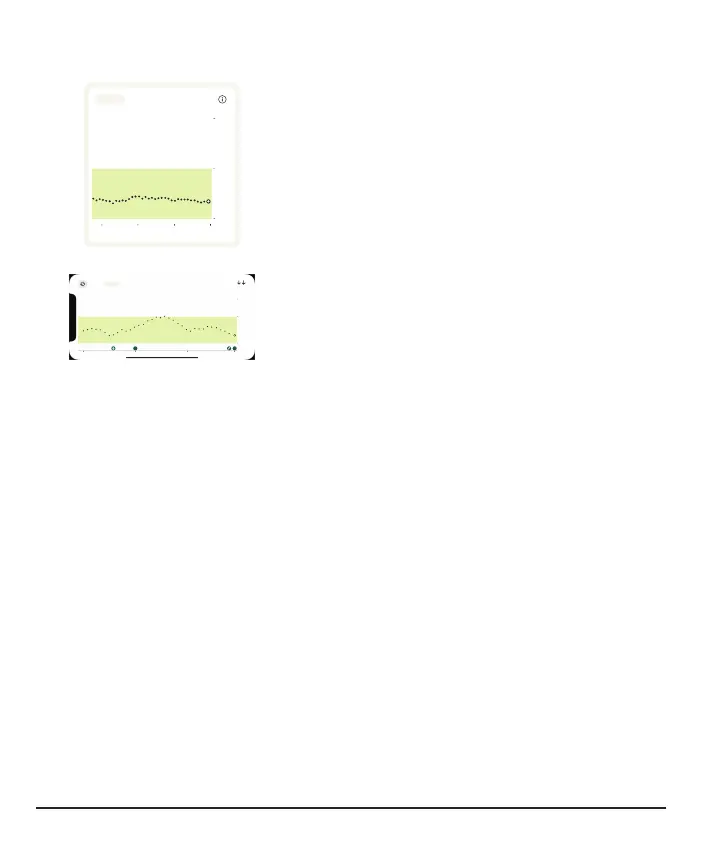
See trend graph history
3 Hours 6 12 24
250
180
12PM 1PM 2PM
Now
70
Tap the numbers above the trend graph to see
your trend graph over 3, 6, 12, and 24hours.
3 Hours 6 12 24
1PM 2PM 3PM Now
2 4
250
180
70
90
mg/dL
To see your event history in your trend graph, turn
your phone to landscape and tap the numbers in
the top left side of the screen to switch between 3,
6, 12, and 24 hours of data.
Your current reading and trend arrow are in the upper right corner.
If you added an event (for example, a meal) during the timeframe shown, it appears
below the graph. This lets you see how the events you tracked affected your glucose
level.
Touch and hold the graph to see your glucose level at the time under your finger.
Touch, hold, and then drag over the graph to see your event details for that time. Tap
the icon in the upper left corner to return to portrait mode.
32



 To Next Page