What you see What it means
Settings
App Settings
Phone Settings
Support
Sensor
14 days left
Connections
Notifications
Target Range
Recommended Settings
About
Profile
Account Dashboard
Contact
Help
Data Consents
Feedback
Avoid phone settings that stop your app from
working.
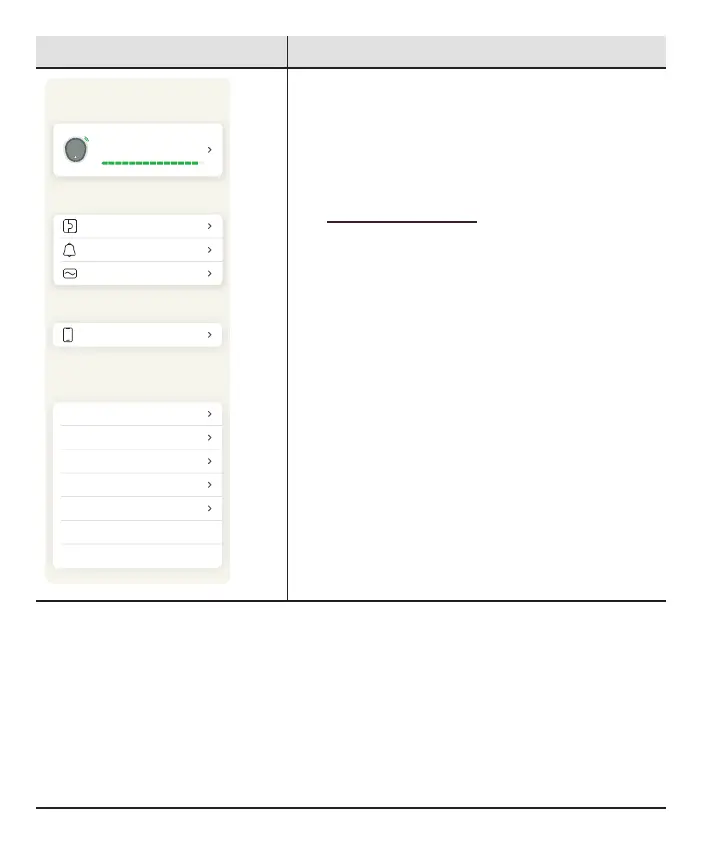
Settings: Here you can change settings and get
help.
l
Sensor: Go here to get information on your
sensor, see your pairing code, and end your
sensor session (go to the
NextSensorSession chapter).
l
App Settings:
l
Customize your Insights and Target
Range
l
Send glucose data to health apps
l
Phone Settings: Avoid phone settings that
stop your app from working
l
Support:
l
Review your software and account
information
l
Contact technical support (in the app, go
to Settings > Contact)
l
Review and revise data consents
l
Get help (see Settings > Help next)
30



 To Next Page