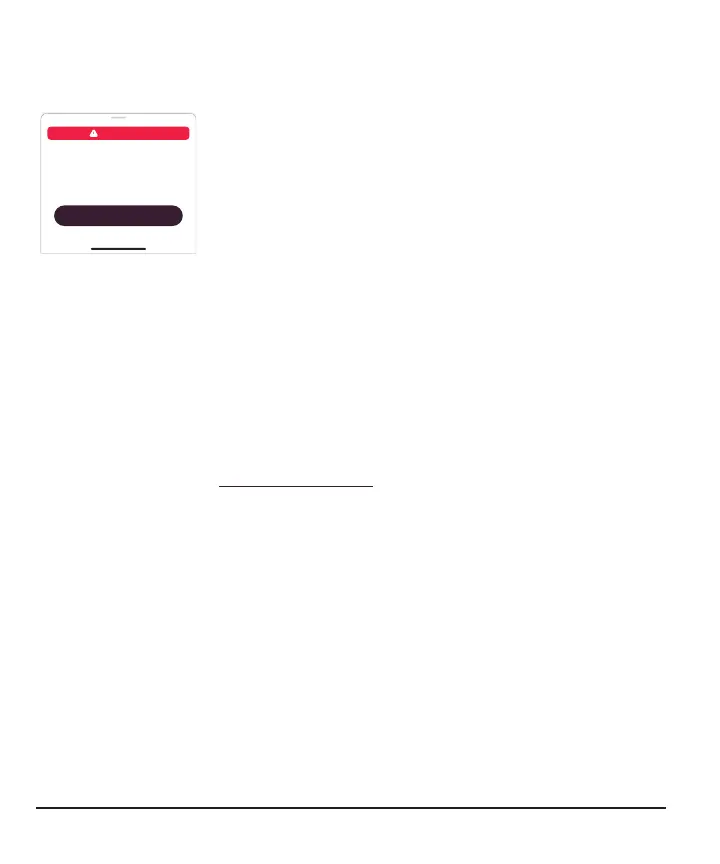
Issue
Sensor Failed
Sensor Failed
Replace Sensor Now
Sensors can only be used for one
session. No readings until you start a
new sensor.
OK
Solution
This issue may happen anytime during a sensor session. If you get this notification, go
to its Help screen for more information.
You won't get readings until you start a new sensor.
1.
Remove sensor now
Tip: Peel off patch from edge.
2.
Insert and pair new sensor
3.
Review Step 1 in the Insertion Instructions chapter.
74



 To Next Page