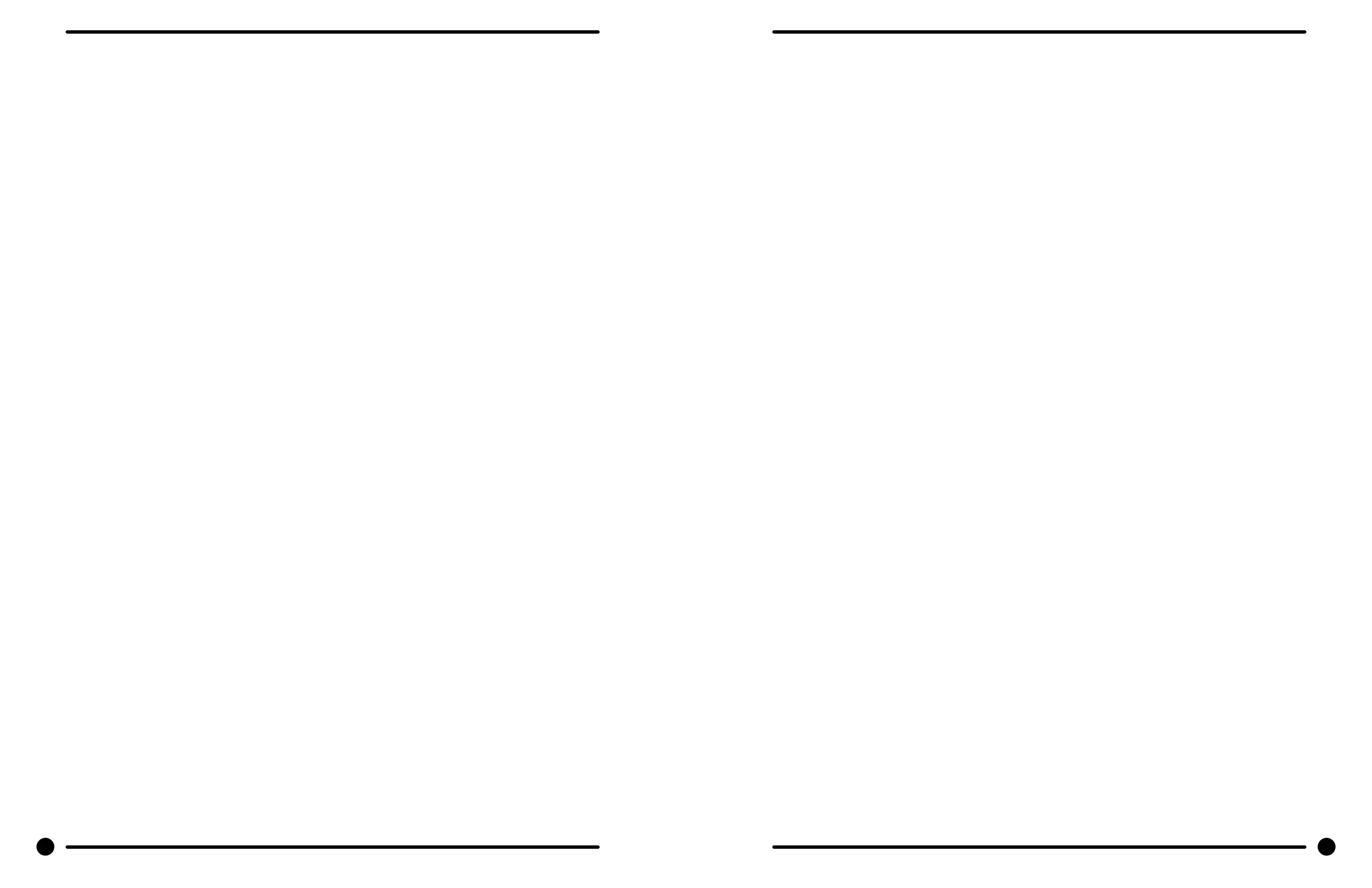
Control Panel Name Plate Decal
The name plate on washer front is adhesive backed.
Control Panel Name Plate Removal
The name plate may be removed by simply peeling it o.
Re-Installation of Name Plate
Step 1: Remove any remaining glue from the control panel.
Step 2: Before removing the paper backing from the name plate, check t to the control panel. The program
push buttons are the locating guides.
Step 3: Remove the paper backing from the right side of the name plate, position it on the panel and press
right end into place. Peel the backing from the left end and press into place.
Motor Relays
These relays are in the center of the control trough. The front relay is for spin. The other two are wash
relays. The middle one is for counter-clockwise direction and the back one is for clockwise direction. Wires
are removed using a straight blade screwdriver. The relays are removed by prying out on the mounting tab
at the bottom of the relay with a straight blade screwdriver.
R1A Wash Motor Relay (clockwise)
The R1A Wash Motor Relay is mounted behind the R1B wash motor relay. The 120VAC coil on the wash
relay is energized by the clockwise-wash micro switch in the reversing timer. the coil opens and closes the
relay switches to operate the drive motor.
R1B Wash Motor Relay (counter-clockwise)
The R1B Wash Motor Relay is mounted behind the R2 spin motor relay. The 120VAC coil on the wash relay
is energized by the counter-clockwise wash micro switch in the reversing timer. The coil opens and closes
the relay switches to operate the drive motor.
R2 Spin Motor Relay
The R2 Spin Motor Relay is mounted in front of the R1B wash motor relay. The 120VAC coil on the spin
relay is energized when the delay-spin micro switch in the reversing timer sends 120VAC to the spin motor
contact in the timer. The coil opens and closes the relay switches to operate the drive motor.
Program Timer
This timer is located on the left side of the control trough directly behind the reversing timer and is held
in place with two screws. It controls most machine functions. There are two drive motors on the program
timer. The one towards the front of the machine advances the timer at the beginning of the cycle. The
timer motor towards the rear drives the timer throughout the cycle. These two motors can be replaced in-
dividually. The program timer has a black knob that allows the timer to be manually turned to any portion
of the cycle for diagnostic purposes.
Note: All single phase 251b. and 401b. washers have an electronic start switch and run and start capacitors. Three
phase machines do not require these parts. ALWAYS DISCHARGE CAPACITORS BEFORE SERVICING.
Solid State Start Switch
This switch is located on the right side of the control trough directly behind the coin accumulator trans-
former. Its job is to switch the spin start capacitor on at the beginning of spin and to switch the spin start
capacitor o when the motor achieves operating speed. To test the electronic start switch, clamp an am-
meter around either single lead wire to the start capacitor (capacitor with plastic case). The switch should
show starting current ow in the capacitor circuit momentarily at the start of spin. Continuous current ow
means that the electronic start switch is stuck on and has failed. No current ow means that the switch is
open and has failed.
Capacitors
The capacitors are located in the right rear corner of the control trough directly behind the start switch.
The capacitor with the metal case is the wash run capacitor and the capacitor with the plastic case is the
spin start capacitor.
Controls Transformer
This transformer is mounted at the back of the control trough and steps a range of 208 to 240 volts
down to 115 volts for the controls. There are two terminals on the control transformer for incoming
power. One terminal is for 208 to 220 volts and the other is for 221 to 240 volts.
Note: All 60 Hz. three phase washers have a controls transformer. Single phase washers do not require
a controls transformer. Always check the incoming voltage and use the appropriate transformer terminal
when installing three phase washers.
Pressure Switch
The pressure switch sets the water level in the washer. As the water level rises, it compresses the air in
the pressure switch hose. When the washer reaches the desired water level, the compressed air in the
pressure switch hose opens the contacts in the switch, shutting o the water. When at the empty level,
the pressure switch contacts are closed allowing the machine to either spin or ll with water. The 1/4”
screw in the middle of the switch adjusts the water level. Turning it clockwise 1/8 of a turn will raise the
water level 1/4 of an inch. Counter clockwise will lower the water level. Before making any adjustments
of the pressure switch, drain the tub and blow the hose clear of possible water bubbles which can cause
erratic pressure switch operation. With no load, the water level should be approximately at the bottom
to 1/2” up from the bottom of the glass on the T-600. With no load, the water level should be approxi-
mately 1/2” to 1” up from the bottom of the glass on the T-400.
Power Connection Terminal Block
This terminal block sets at the very back of the control trough. Incoming power to the washer should
connect here. (see Electrical under Installation and Operation Section for exact connections)
Cycle Indicator lights
The 120VAC indicator lights are mounted to the back of the control panel and are held in place with two
tabs. They are removed by squeezing the tabs with a screw driver. The lights are replaced as a complete
unit.
Temperature Selector Switch
The selector switch is mounted in the center of the control panel and is held in place with two nuts. It
allows the selection of hot, warm or cold water temperatures.
Note: Do not over tighten on reinstallation as the switch can be damaged.
Add-Bleach Light
This 120VAC light indicates to the user the correct time to add bleach. It is removed by squeezing two
mount ing clips.
Lower Service Panel Removal
Remove 2 screws and pull forward to disengage from the locator studs.
46 47
Part # 8533-035-002 4/22 Part # 8533-035-002 4/22







 To Next Page