Product Overview
When operating the display, ambient room conditions should not exceed the following:
Operating temperature: 0˚C to 40˚C (0˚F to 104˚F)
Humidity: 35~85% RH
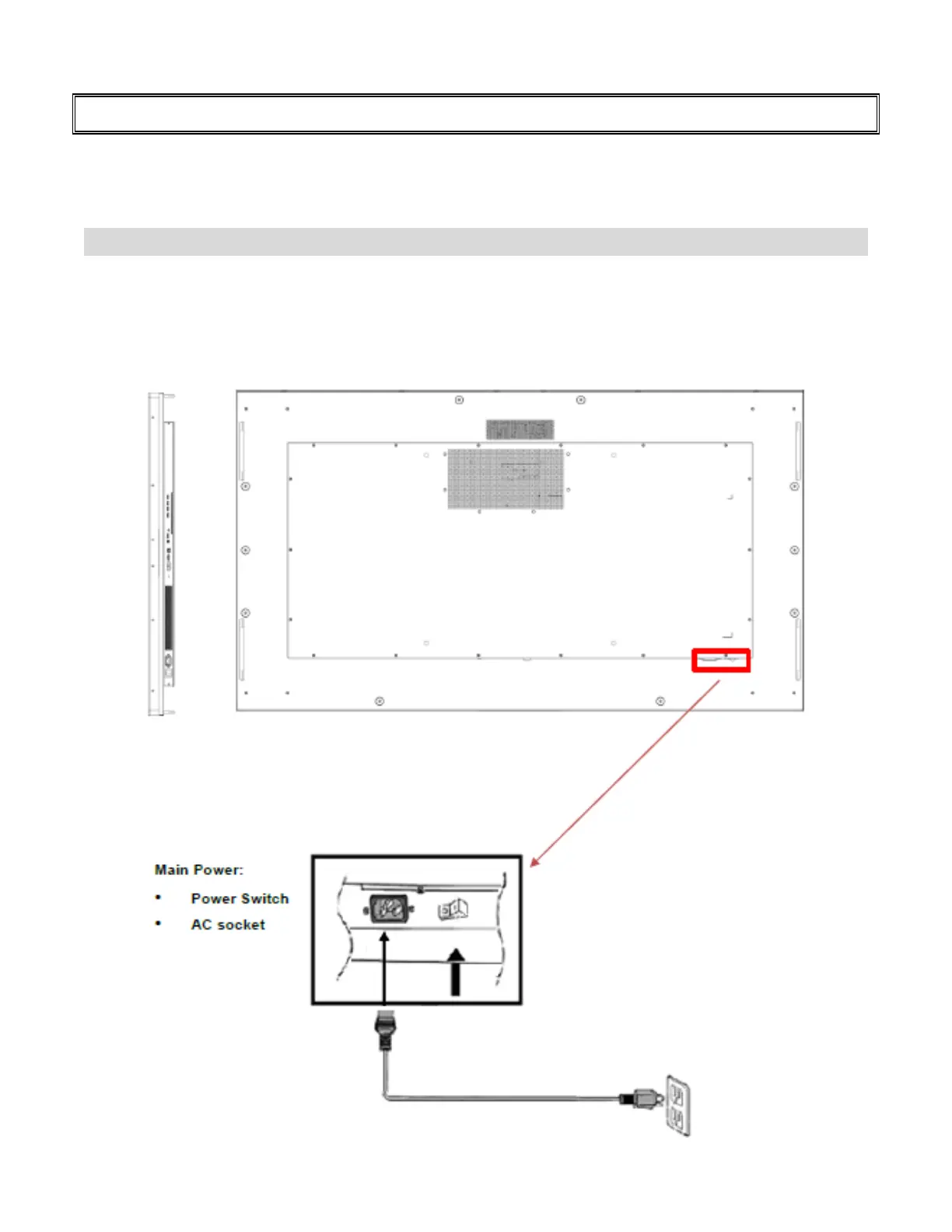
Main Power Switch and AC Inlet
Plug the power cord into the AC socket on the side of the display.
Locate the Main Power switch directly below the AC socket and press “-” to turn power on, and “O” to turn
power off.



 To Next Page