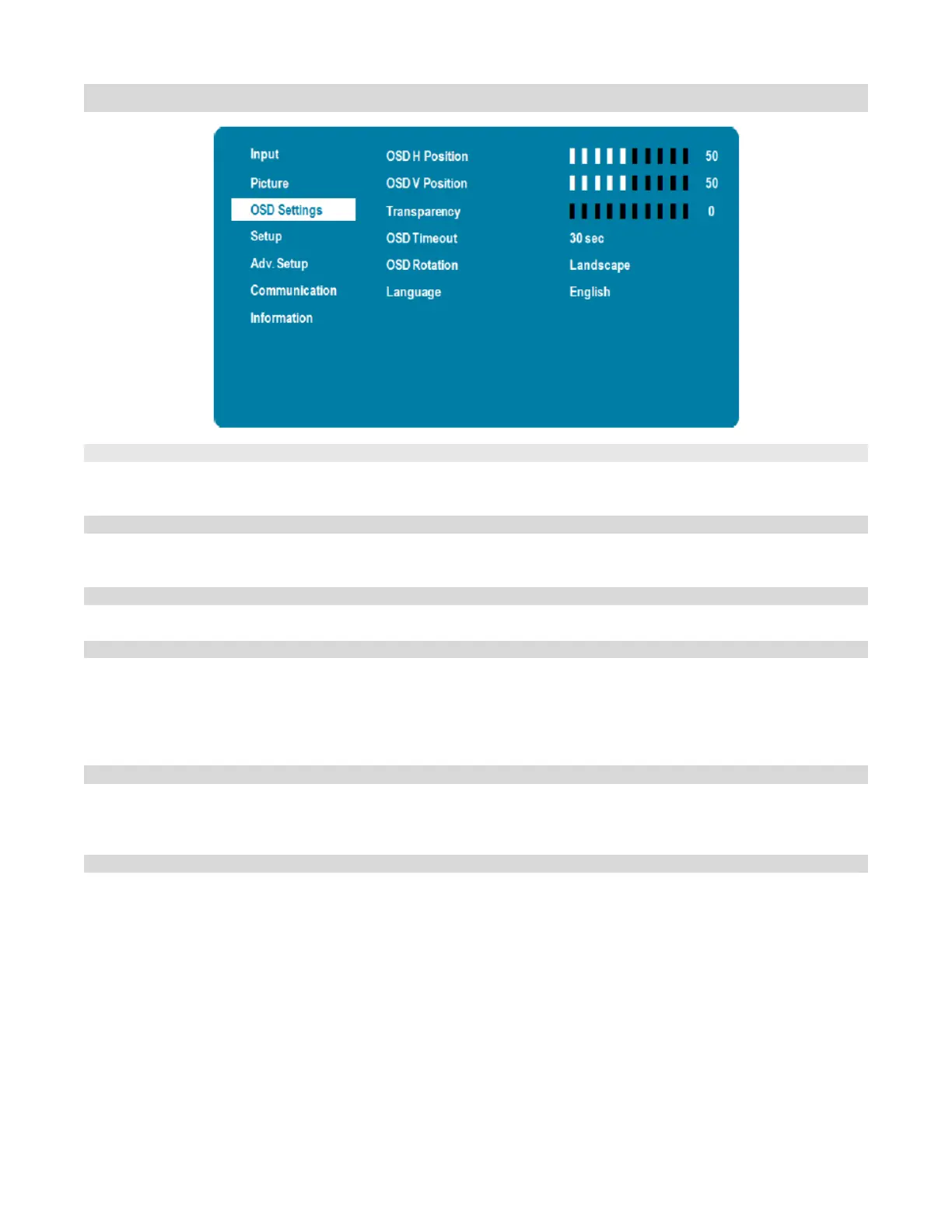
Setup Menu
Adjust the zoom (overscan) of the image
Range:0~10
Enable or disable the status LED
Options: On, Off
Configure settings of Current Time and Timer Mode
See next page for details
Control a device and display panels over the HDMI port by using one remote
control
Options: On, Off
Default: Off
Note: CEC setting can only be activated with HDMI-
connected device that
supports the CEC standard.
Select the DisplayPort Multi-Stream Transport (MST) or Single Stream Transport
(SST) setting.
Options: Off, SST, MST
Lock OSD so not able to change any setting on display.
Options: On, Off
Default: Off
Note: Once key
lock set to on, to unlock by pressing hotkey (Enter,Enter, Exit,Exit,
Enter, Exit) on remote controller or via RS232 commands



 To Next Page