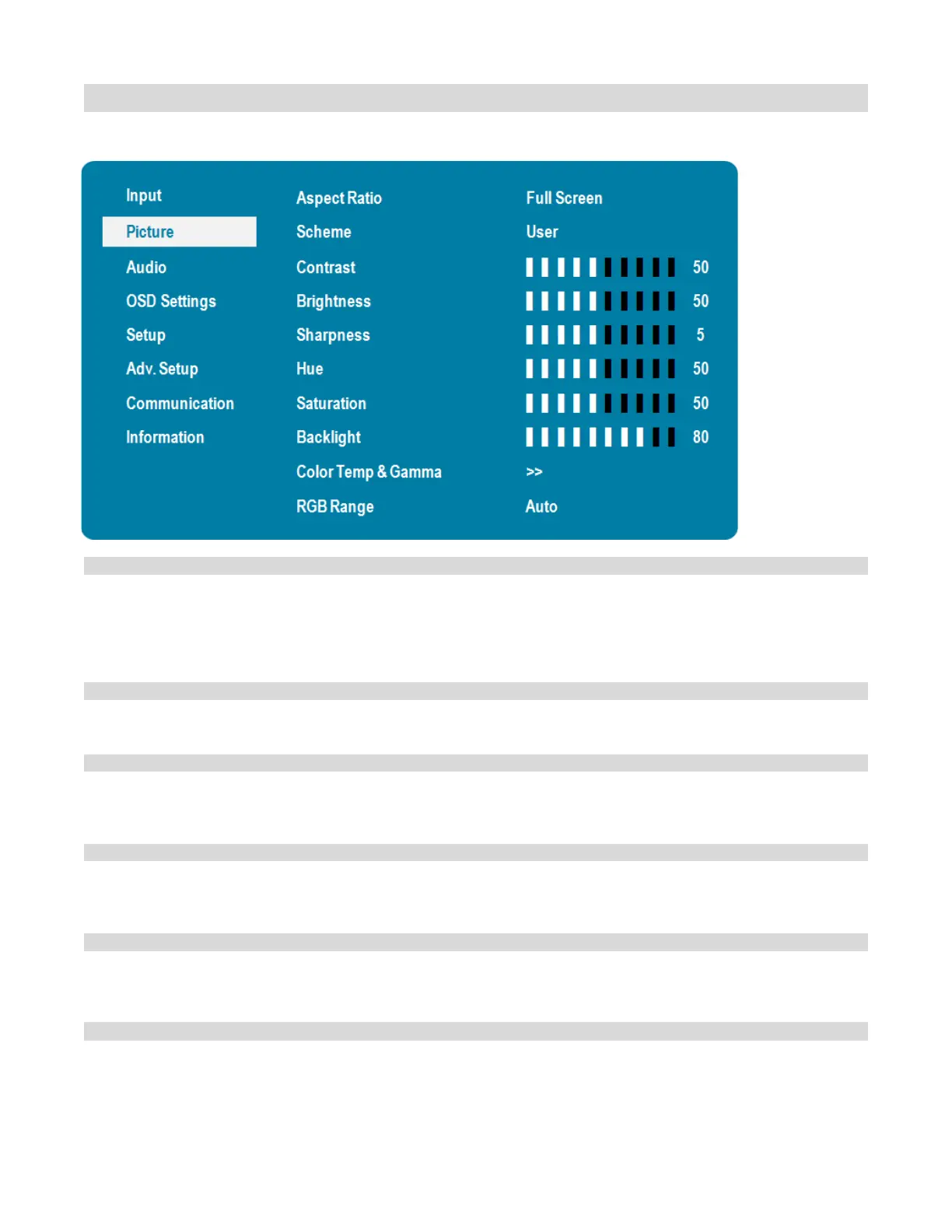
Picture Menu
This menu is used for making common video adjustments.
Adjust the aspect ratio of the screen. The first selection is for the main source, and
the second selection is for sources 2-4.
Options:
Main: Full Screen, Letterbox, 4:3, Native
PiP/Dual View: Full Screen ; Letterbox ; 4:3
Press or to select one of the following:
Options: User, Vivid, Cinema, Game, Sport
Increases or decreases the contrast of picture. Press or , select the desired level,
and then press ENTER.
Range: 0~100;
Increases or decreases the brightness of picture. Press or , select the desired
level, and then press ENTER.
Range: 0~100;
Adjusts the definition of picture. Press or , select the desired level, and then
press ENTER.
Range: 0~10;
Increases or decreases the green hue. Press or, select the desired level, and
then press ENTER.
Range: 0~100;
Default: 50



 To Next Page