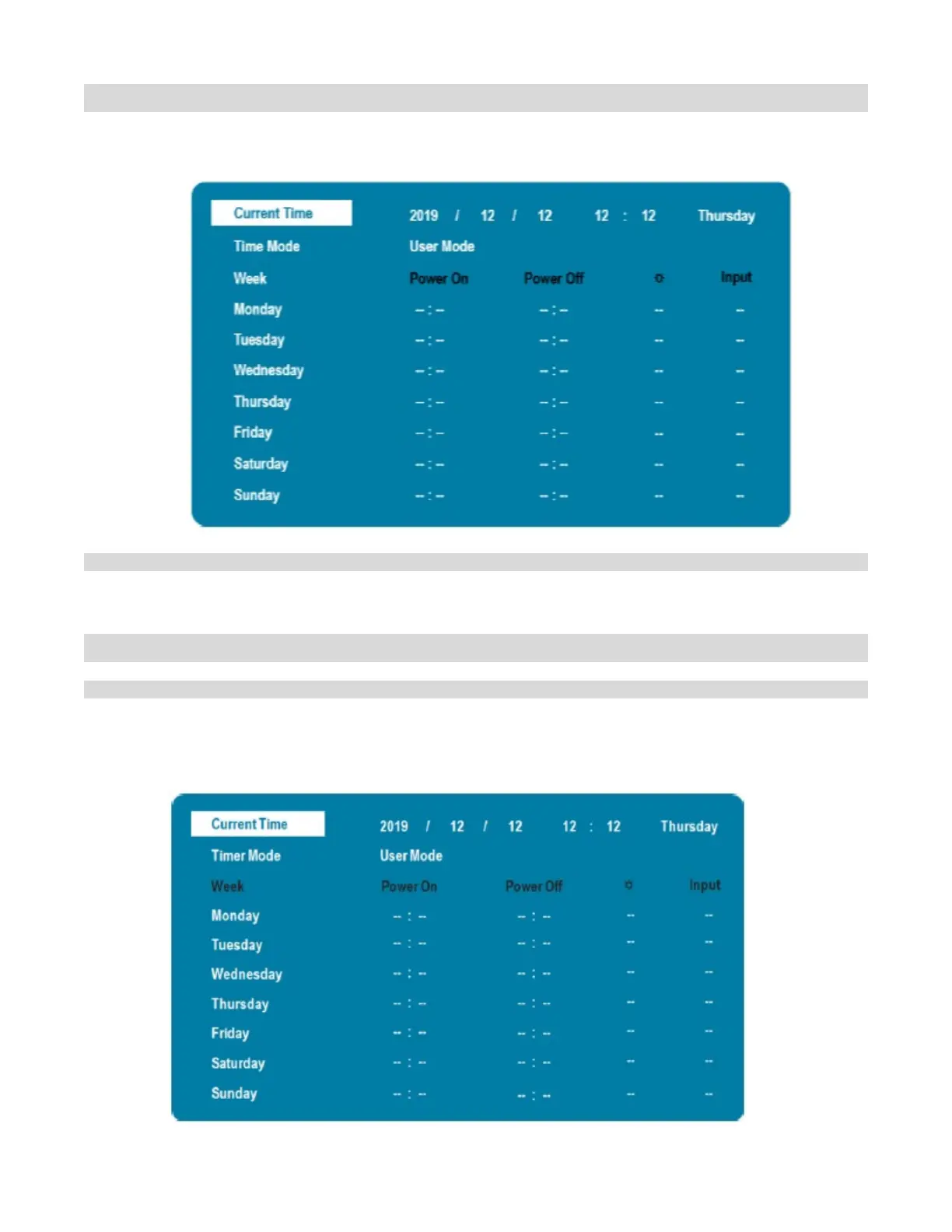
Real Time Clock Submenu
This menu is used to set the internal clock of the display, and to power on and power off the display at preset
times if desired
Set the year, month, day, and time of day
Options: User Mode, Workday Mode, Everyday Mode
Real Time Clock – User Mode
Select the power on/off time for each day of the week
Options: Disable, Enable
Use the arrow keys to specify the on and off times



 To Next Page