Appendix II: Installing a Wall Mount
• Follow the manual instructions for the mount you have selected.
• Refer all servicing issues to qualified service personnel.
• Moving the display requires at least two people
• Before installing, please make sure the wall is reinforced and strong enough to hold the
necessary weight of the display and mount.
Step 1: Place the display face down on a flat clean surface area
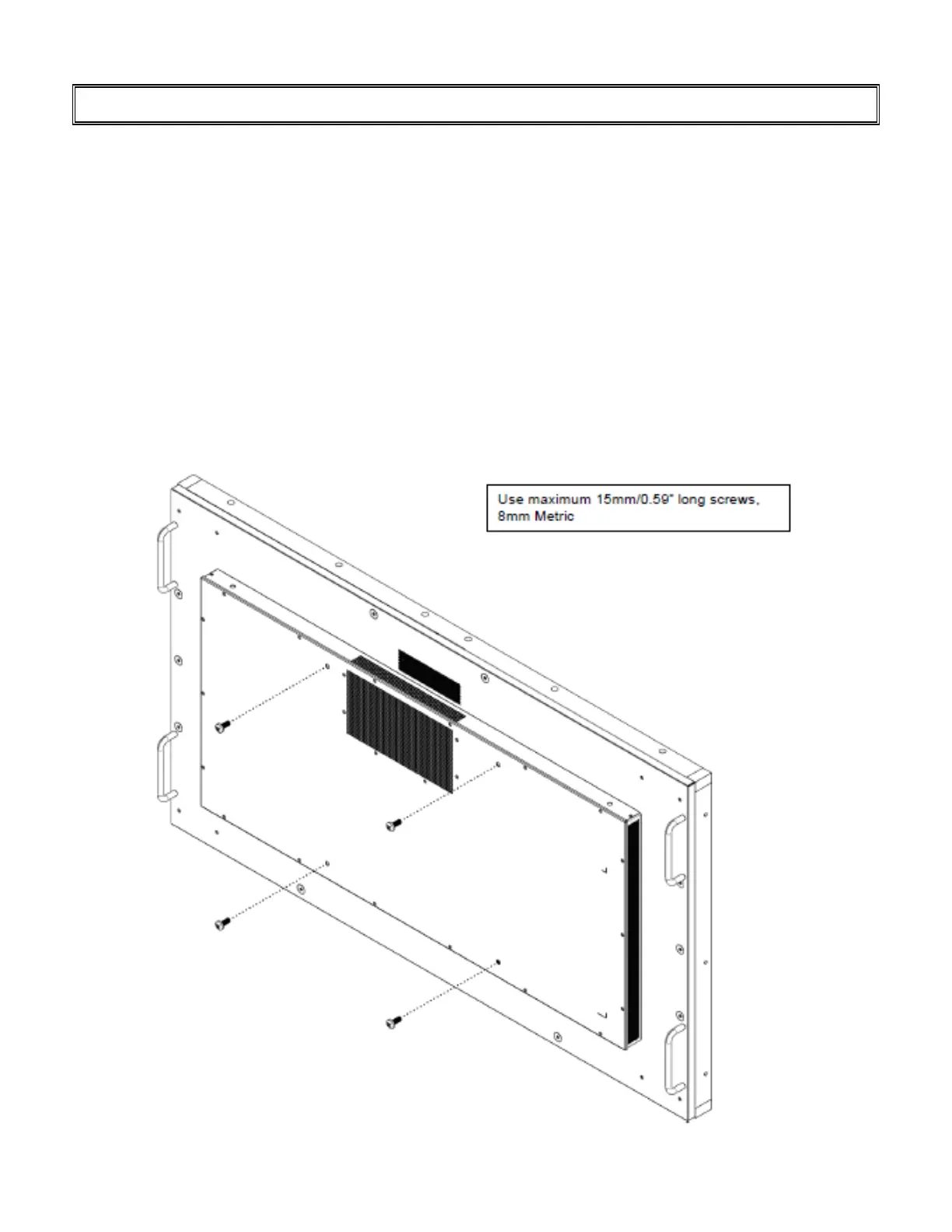
Step 2: Remove the four screws (M8*15) from the back of the display
Step 3: Align the wall brackets with mounting holes and attach the brackets to the display using
the screws removed in step 2.
CAUTION – Longer screws will damage the display



 To Next Page