Product Features
This display supports 1920x1080 FHD format and can display true 1.07 billion colors.
It supports a full range of interface types, including DisplayPort 1.2 x2 / HDMI 2.0 x2 / IR Receiver / Ethernet
/ SPDIF out/ DP1.2 out.
Other features
DisplayPort v1.2 input
HDMI 2.0 inputs with HDCP.
Signal source auto detection.
OSD keypad lock function.
Zero bezel (0.88 mm combined bezel width)
Landscape, portrait supported
Power ON/OFF Timer setup
Low power consumption
Package Contents
Unpacking
The display is packed using cushions to protect the display during shipping.
Before unpacking your display, prepare a stable, level, and clean surface near a wall outlet.
Set the LCD Display box in an upright position and open from the top of the box before removing the to
p
cu
shions.
。
Step 1: Remove the white handle and cut the banding
。 Step 2: Remove the top cushion and take the accessory bag out.
A
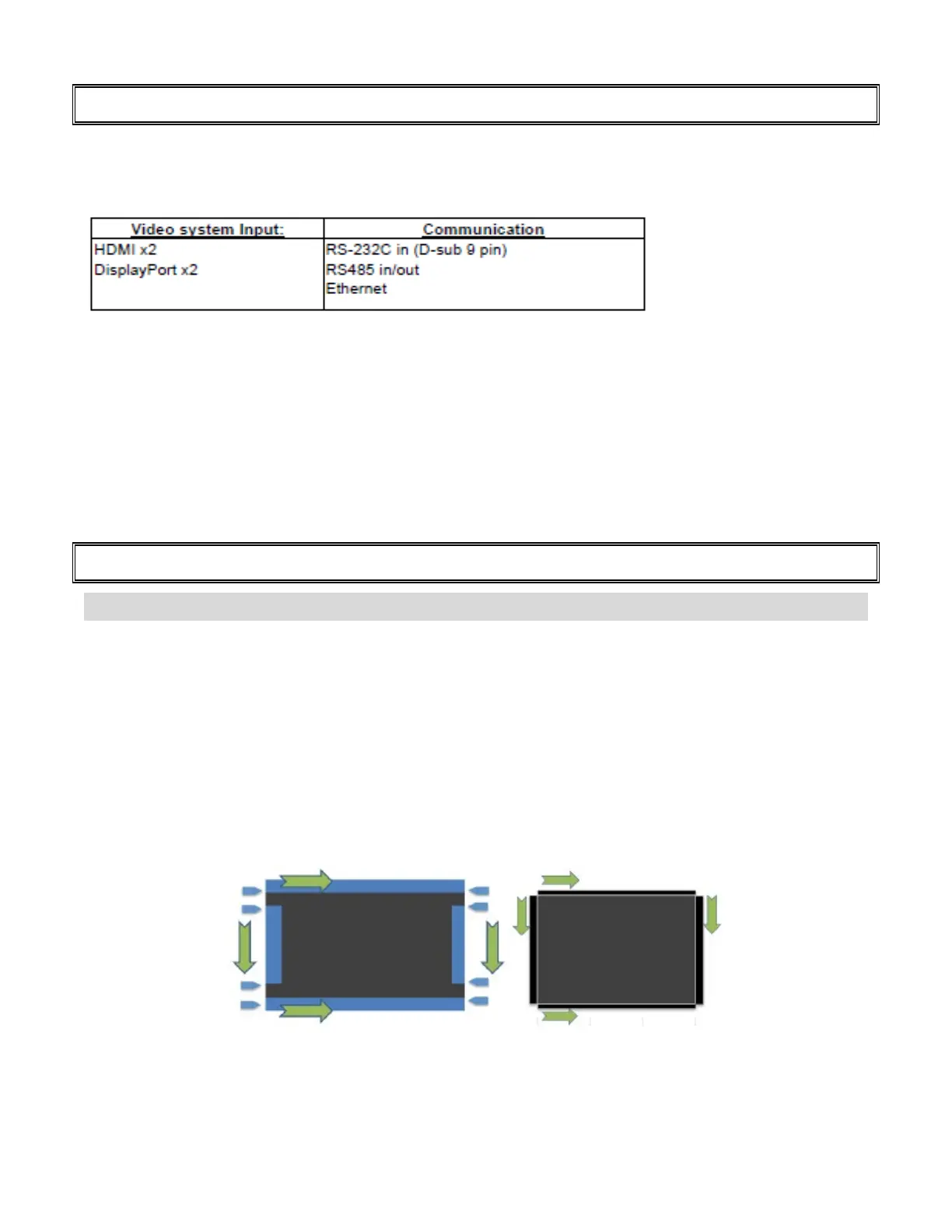
fter installation, please remove the protective tapes from display first by following below instructi
on
direction, then remove bezel protective foams on display bezels. (Tear from the instructions label -
“ Tear Off Form Here”)
W
hen used in portrait mode, should be turned counterclockwise (regular front view perspective).



 To Next Page