Locking the OSD (On-screen Display)
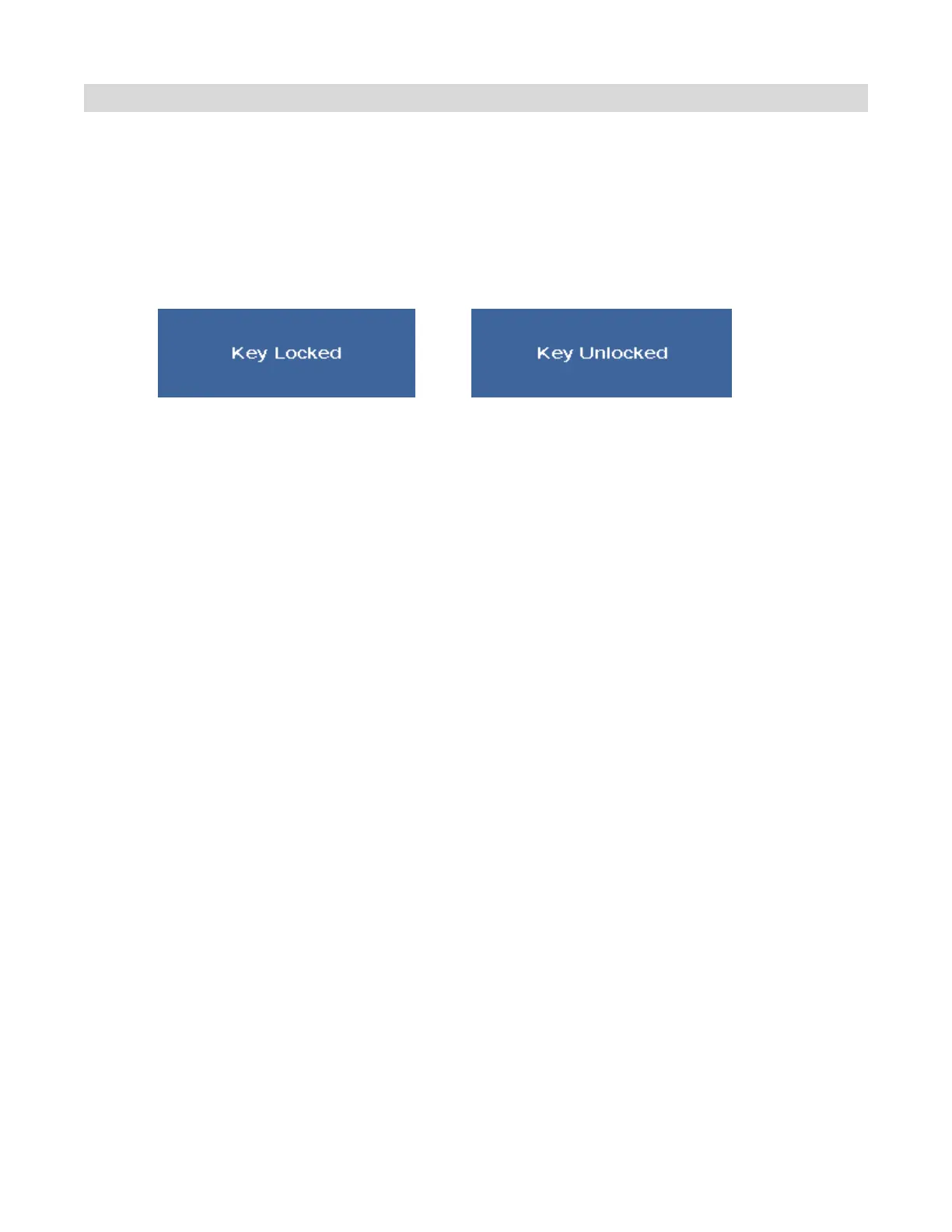
To lock the remote control and keypad (to prevent tampering display settings):
Press Enter, Enter, Exit, Exit, Enter and Exit on the remote control or the keypad.
To unlock the remote control and keypad:
Press Enter, Enter, Exit, Exit, Enter and Exit on the controller by sequence again and all keys will be
unlocked.



 To Next Page