Error! Use the Home tab to apply Címsor 1 to the text that you want to appear
here.
43
7. MAINTENANCE
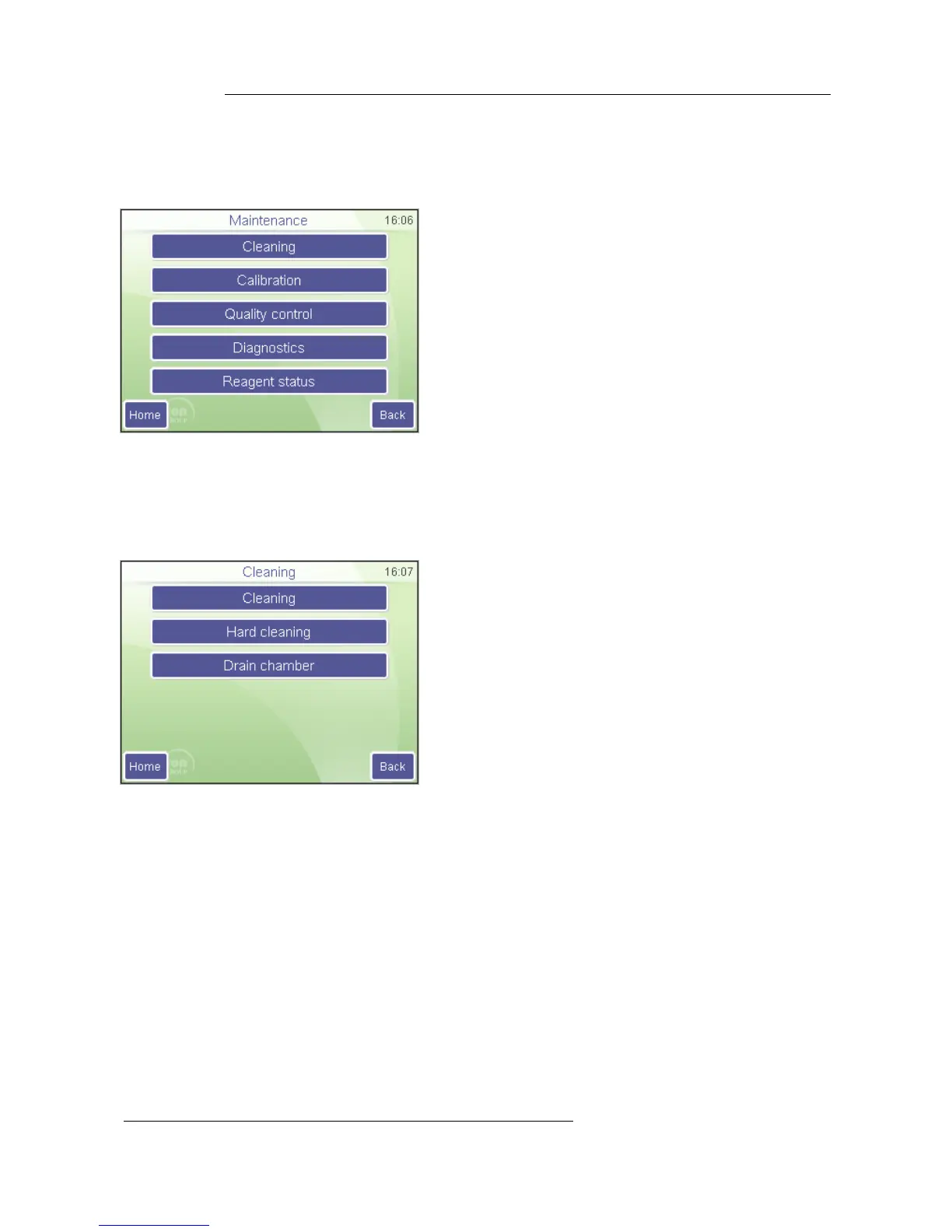
In the Maintenance menu you can initiate procedures, for cleaning, calibration or specific
performance analysis.
Maintenance
Touch menu item of the desired function.
Home will return to the Main menu
Back returns to the previous level.
7.1. Cleaning
Cleaning functions allow cleaning of fluidics to reduce blank value by removing
contamination from tubing, chamber and valves.
Cleaning starts a washing cycle using the system cleaner reagent connected to the
analyzer. This action is recommended if clogging problems are experienced (C or Q error
flag), or the blank is high.
Hard cleaning initiates a process that uses a light solution of hypochlorite (NaHCL), and
washes the sampling needle and related tubing with it. The instrument will ask for the
cleaning solution in a sampling tube.
Drain chamber will empty the measurement chamber. You can use this option to
manually add cleaning solution to the chamber when necessary (extreme contamination in
the chamber).
7.2. Calibration
The analyzer stability can be monitored with DiatroCont3 control blood. Performing QC
determinations regularly verifies continued optimal performance.
It is recommended to do calibration in the following cases:
1. At analyzer installation, before beginning the analyses.



 To Next Page