Error! Use the Home tab to apply Címsor 1 to the text that you want to appear
here.
56
You can modify normal range of parameters: left column is lower, right column is upper
limit of normal range. Press Accept to accept changes, or Cancel to keep previous settings
and return to the settings menu.
8.3.3. Settings
Settings
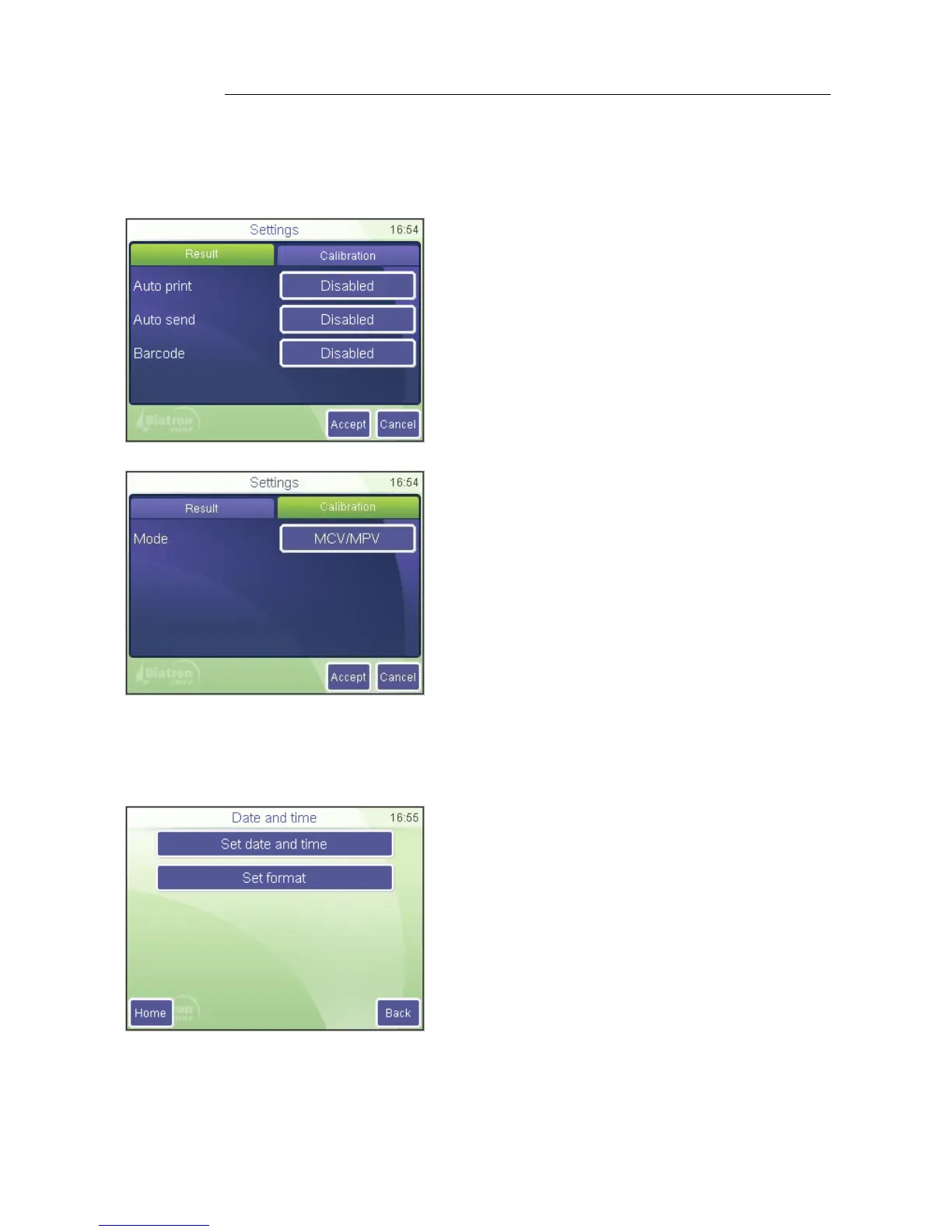
Measurement / Settings/Result
Auto print will print the report automatically
when the results are displayed
Auto send will automatically transmit
results if a PC is connected
Barcode allows setting scanned data to be
entered as Sample ID or Patient ID
Accept saves changes made
Cancel returns to previous menu discarding
changes made
Settings
Measurement / Settings/Calibration
Mode allows choosing between HCT/PCT
or MCV/MPV based calibration
Accept saves changes made
Cancel returns to previous menu discarding
changes made
8.4. Date and Time
Date and time of each analysis is stored with the results. This menu allows setting the
built-in clock and the format of the date displayed.
Settings
Date and time
You can set date and time and choose the format
of time display.



 To Next Page