Error! Use the Home tab to apply Címsor 1 to the text that you want to appear
here.
55
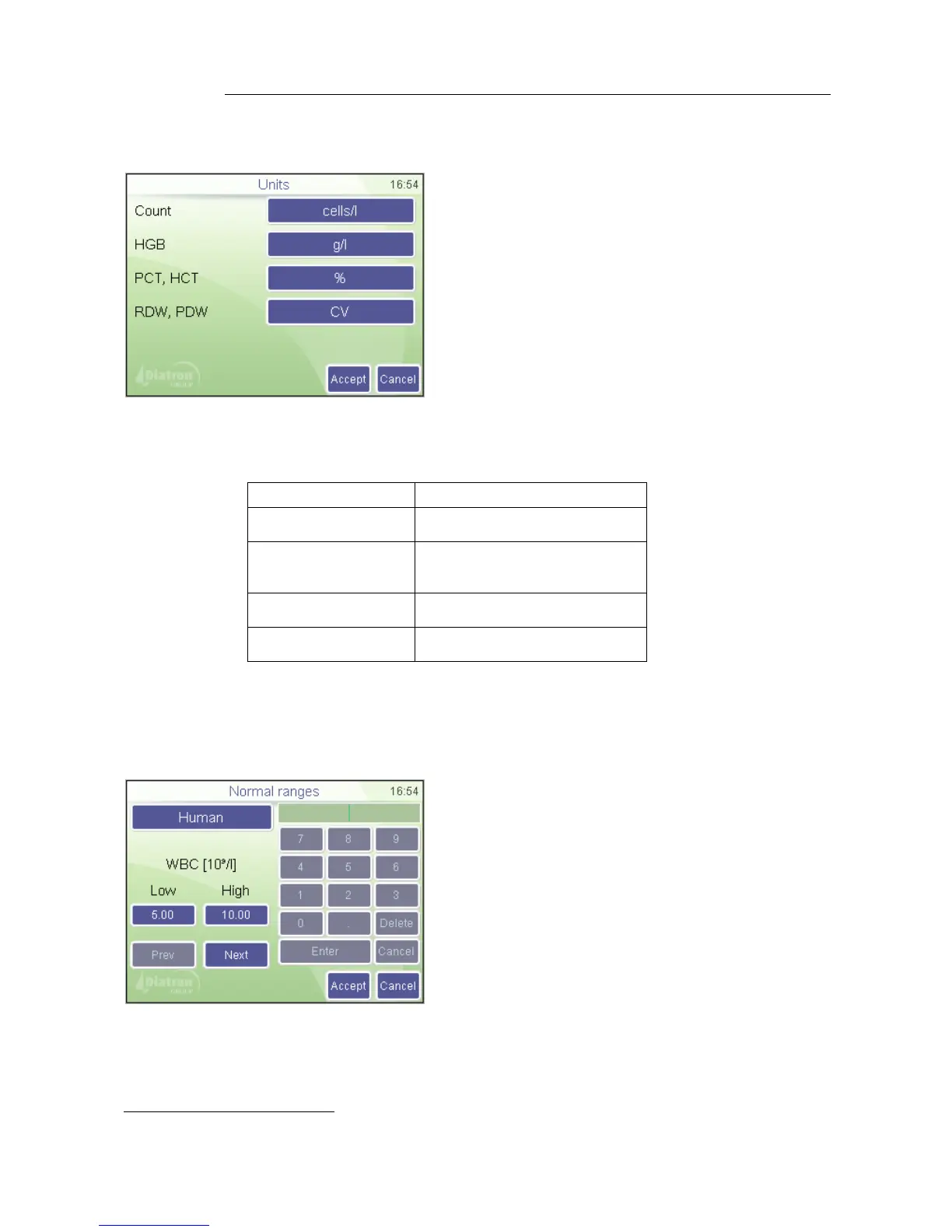
8.3.1. Unit settings
Unit settings menu allows to set up units of parameters displayed or printed.
Possible units for the parameters:
cells/liter(cells/l)
cells/μl(cells/μl)
grams/liter (g/l)
grams/deciliter (g/dl)
millimols/liter (mmol/l)
Percentage (%),
absolute(ABS)
standard deviation (SD),
coefficient of variation(CV)
8.3.2. Normal ranges
Limits define normal ranges. Outside this range, parameters will be flagged: – or +.
Settings
Measurement
Normal ranges
The “Human” (profile) button brings up the
profile selection menu
Prev and Next allow browsing among
parameters.
Parameter order: WBC RBC HGB HCT
MCV MCH MCHC PLT PCT MPV PDWs
PDWc RDWs RDWc LYM
*
MID
*
GRA
*
LYM%
*
MID%
*
GRA%
*
Settings
Measurement / Units
Press units to change them individually
Press Accept to approve changes made.
Press Cancel to go back to previous menu
keeping the old units.



 To Next Page