Error! Use the Home tab to apply Címsor 1 to the text that you want to appear
here.
49
7.3.4. Database
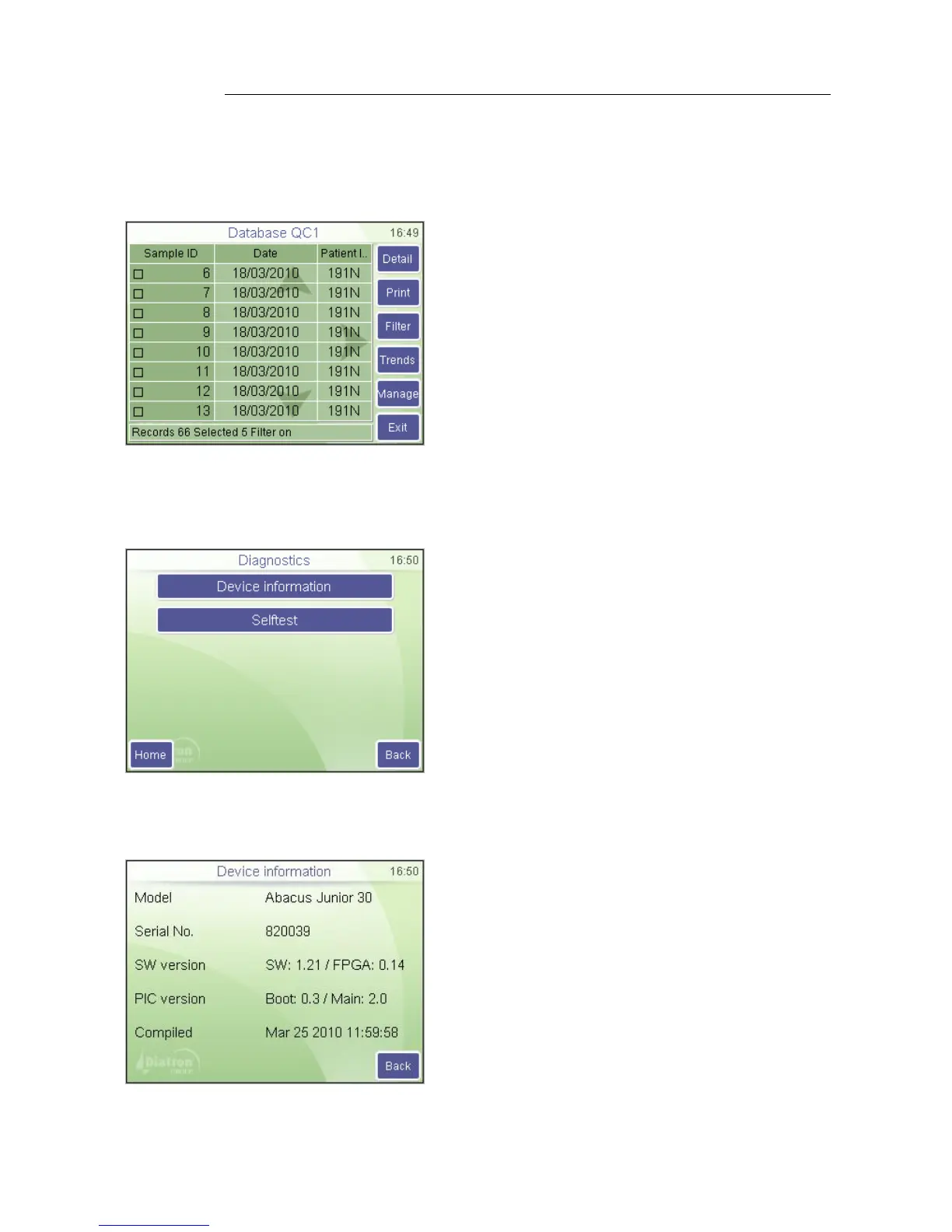
This option displays the contents of the QC database. You can browse in this view just like
in the regular database view. Functions (selection, browsing, details, printing) are the
same as well.
Maintenance
Quality control / Database
Use Prev and Next to browse among
parameters.
Exit returns to the QC menu.
Note: QC database is a filtered view of the
normal database. The status bar shows
the “Filter on” text.
7.4. Diagnostics
Diagnostics menu allows access to system information and hardware check-up.
Maintenance
Diagnostics
Press HOME to go to Main menu.
Press BACK to go back to previous menu.
7.4.1. Device Information
Device information shows system hardware and software setup.
Maintenance
Diagnostics / Device Information
The various system parameters can be seen
on the screen.
Press EXIT to go back to the previous menu.



 To Next Page