Error! Use the Home tab to apply Címsor 1 to the text that you want to appear
here.
54
8.2. General settings
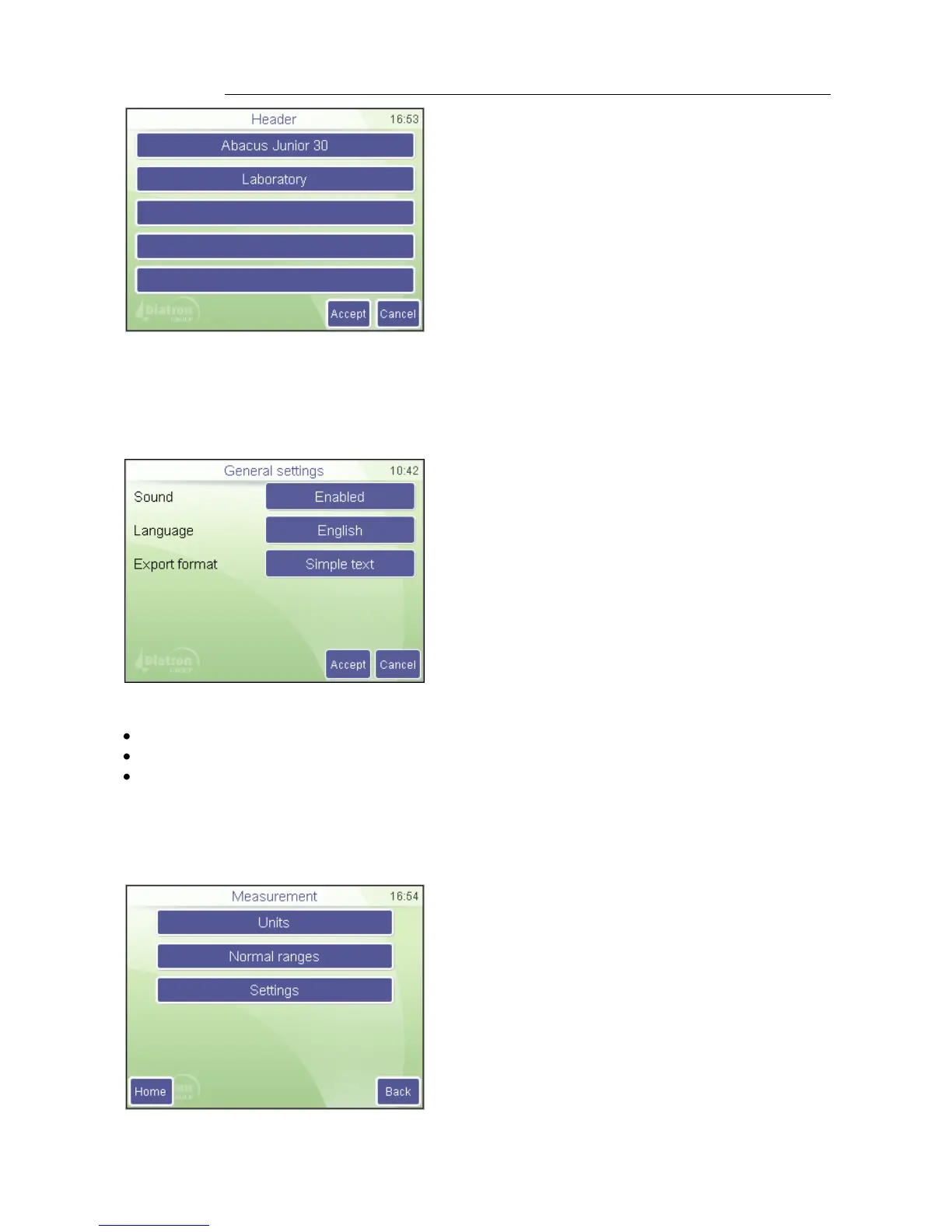
General settings control operation of the following functions.
SETTINGS
GENERAL
Select any of the following options:
Sound: If enabled the analyzer provide audible
guidance of usage.
Language: Selects the language of the analyzer
Export format: The following settings are available (See Appendix A for details):
Simple text
Extended text
Advanced text
8.3. Measurement settings
This section groups measurement related options
and settings.
Settings
Printer settings / Header
The data entered will be printed on the top of
each printed report.
Press Accept to approve changes made.
Press Cancel to go back to previous menu
keeping the old settings.



 To Next Page