Error! Use the Home tab to apply Címsor 1 to the text that you want to appear
here.
46
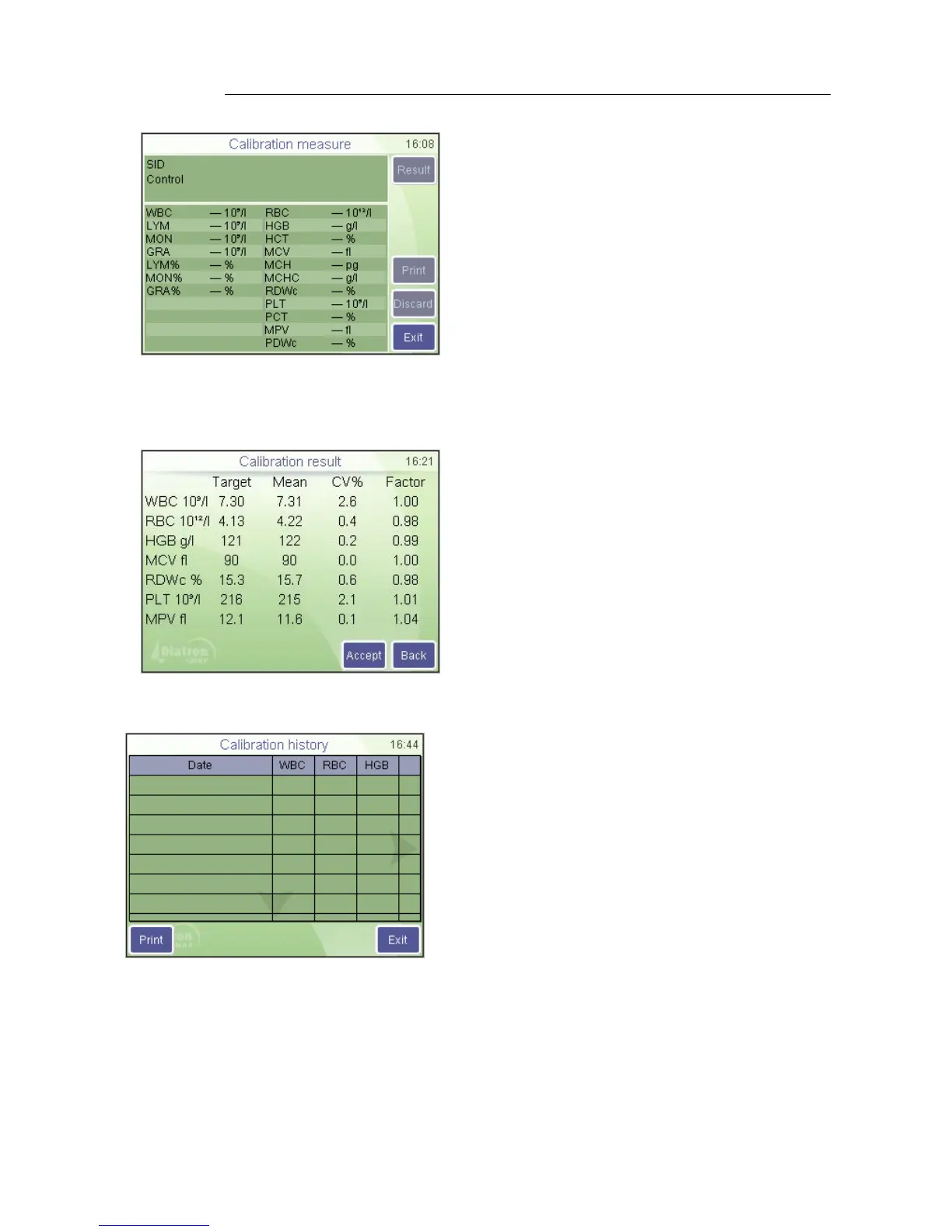
The display shows Calibration measurement at top.
Maintenance
Calibration / Measurement
Insert the sample tube to the sample door
and press the START button.
Exit will abort the operation.
Calibration runs are saved automatically. If you find that a result should not be used, use
the Discard button to delete the measurement so that it is not used for calibration.
Maintenance
Calibration / Measurement / Result
Result will display the average of each
parameter of accepted measurements
compared to the target value and the
calibration factor calculated.
Accept saves new factors and aborts
calibration
Back will return to the calibration
measurement screen so that you can
measure more samples for calibration.
You can compare target and measured values,
observe CV and see how the calibration factor
would change.
Maintenance
Calibration / History
You can check the date and values of previous
calibrations.



 To Next Page