14.2. COPYING MACROS [ 10 2 ]
It is possible to make copies of one macro to others, either to
modify data without losing the previous ones, or to generate
new data. To do so:
Press MENU for 2 seconds.
To move from one option to another, use F2 to move down
the menu and F1 to move up.
Select the 10 Macros option, press
∗
∗∗
∗
and, here, select option
2, Copy Macros.
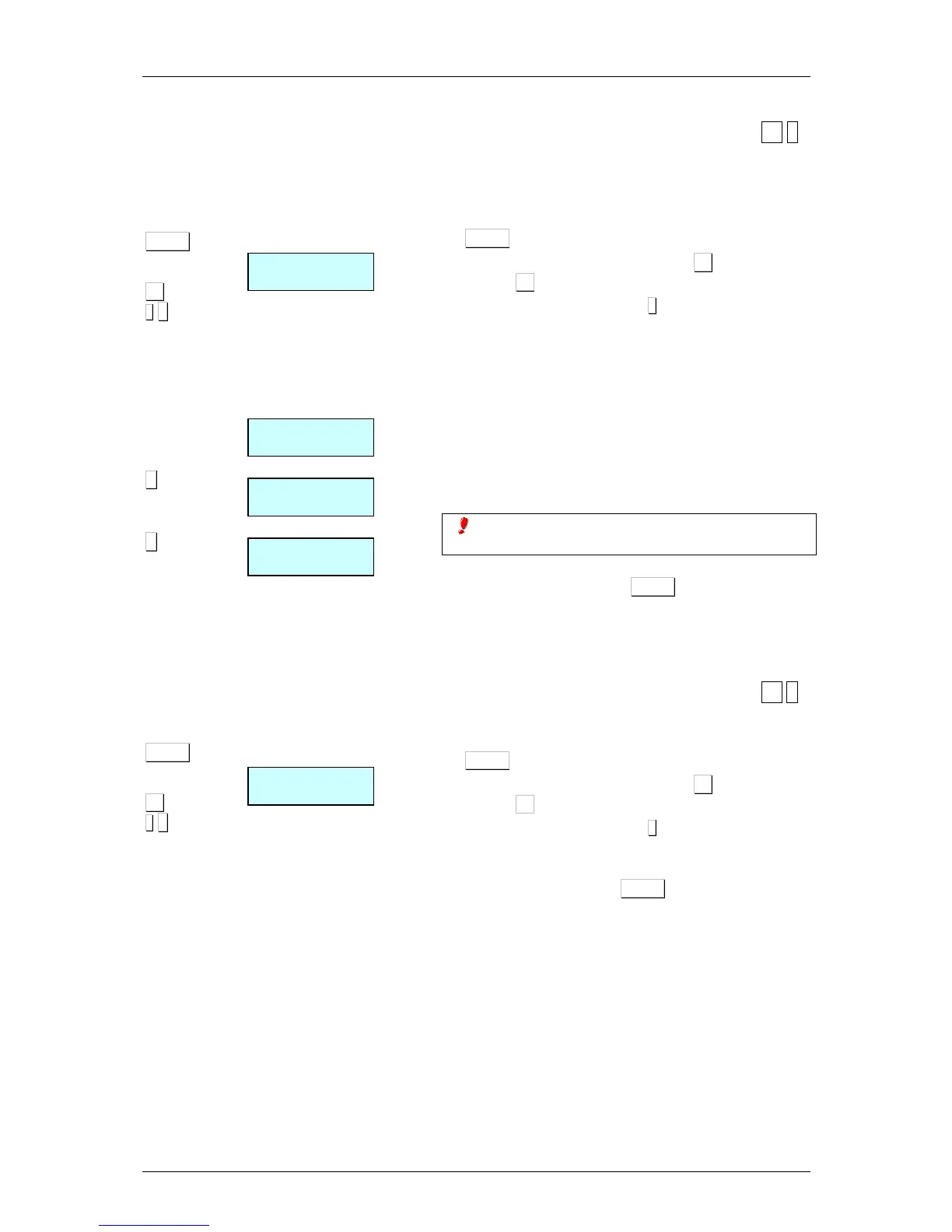
The scale will display each one of the steps for copying
macros:
1. Enter the number of the source macro you wish to copy.
2. Enter the number of the target macro to which you wish to
copy the source macro data.
3. Select the direct key to which the macro is to be
assigned on the keyboard
If the keyboard has macro keys, the first 10 macros must
correspond to the macro key.
4. To quit programming, press MENU to return to working
mode.
14.3. DELETING MACROS [ 10 3 ]
In this section you can delete the macros you have
programmed. To access this setting:
Press MENU for 2 seconds.
To move from one option to another, use F2 to move down
the menu and F1 to move up.
Select the 10 Macros option, press
∗
∗∗
∗
and, here, select option
3, Delete Macros.
Enter the number of the macro you wish to delete and press
To quit programming, press MENU to return to working
mode.



 To Next Page